
Confirm the customer and business before changing billing details.
1. Open the intended record
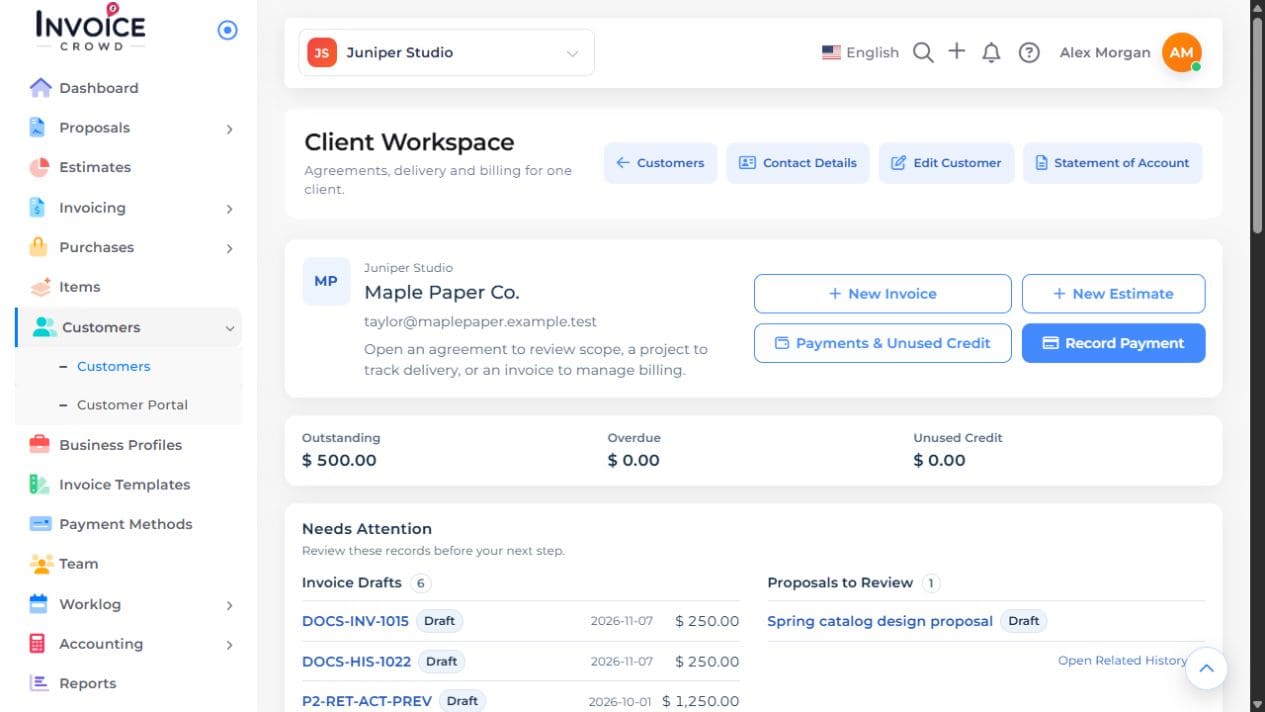
Open Customers and choose Client Workspace beside the customer. Check the name and contact details, then choose Edit Customer.
2. Update the details
Change the billing address and other intended fields. Review shipping details separately, including whether they follow billing. Check any Show on Documents choices.
3. Review an email change
If an address changes, read the confirmation and any portal or pending-invitation restriction. Existing accepted portal access is not transferred to another person by editing the contact email.
4. Save and preview
Save the customer. Preview a new draft for that customer. An issued invoice can retain its recorded billing identity; review its permitted correction separately.