
Make sure the next time entry belongs to the right customer and project.
1. Finish the current entry
Check the project and task in the header timer, then choose Stop and Log. This saves the tracked time immediately, with no separate Save step. Read the result; a very short session may report that nothing was logged. Check the resulting entry in Timelogs before starting the next project.
2. Choose the next project
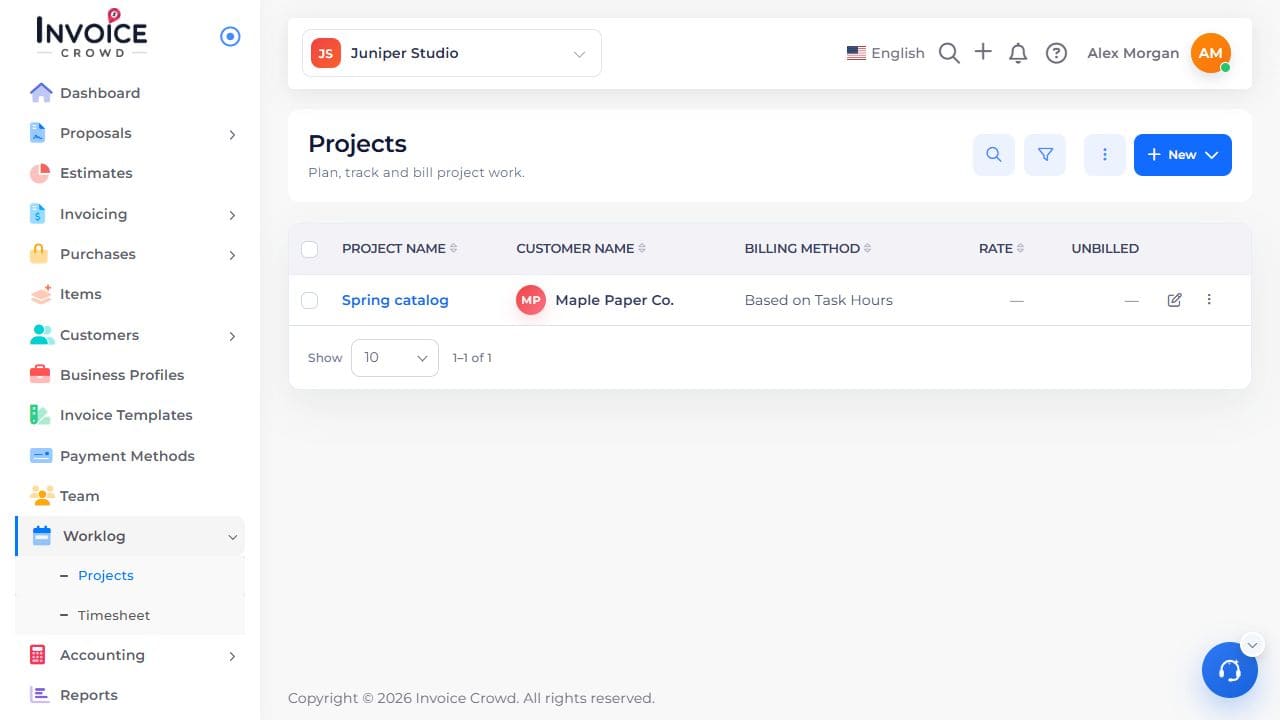
Open Worklog → Projects and select the next project by name. Check the customer before you start.
3. Start tracking
In the new project, select Start Timer, choose its task, then start. Check the project name in the timer before leaving the page.