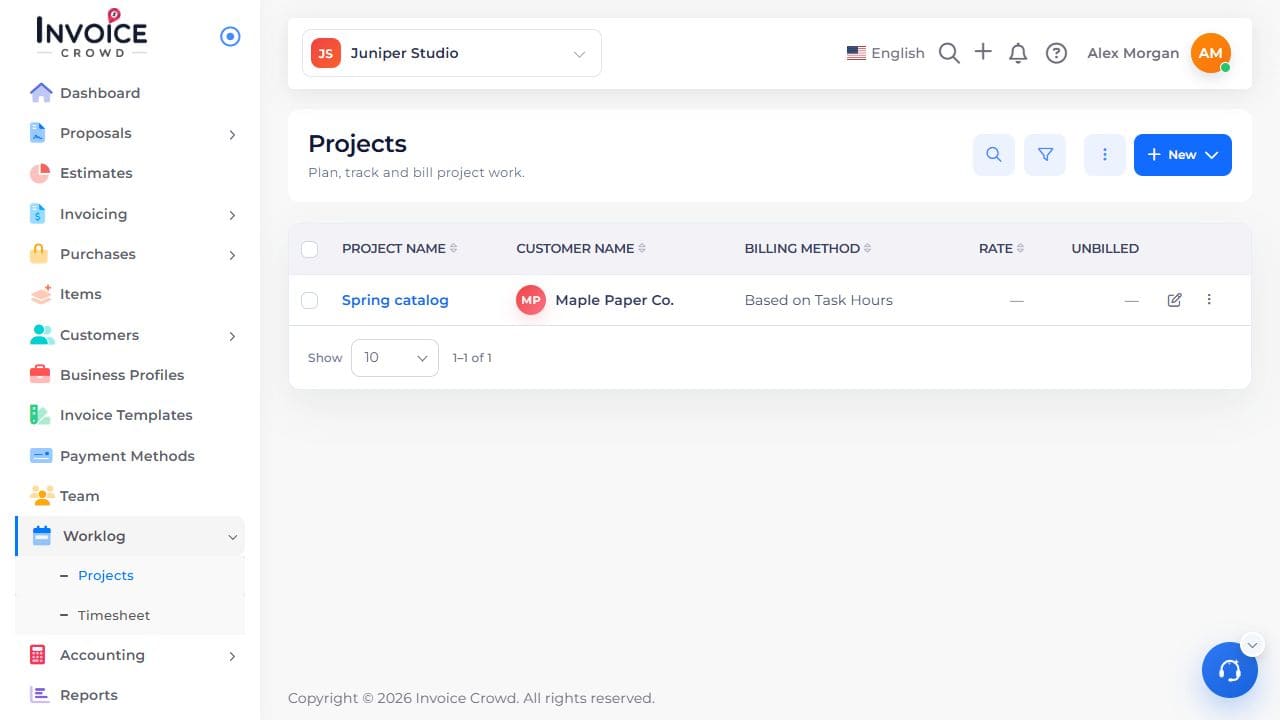
Create a project to keep a customer’s tasks, time, and billing together.
1. Open the new-project form
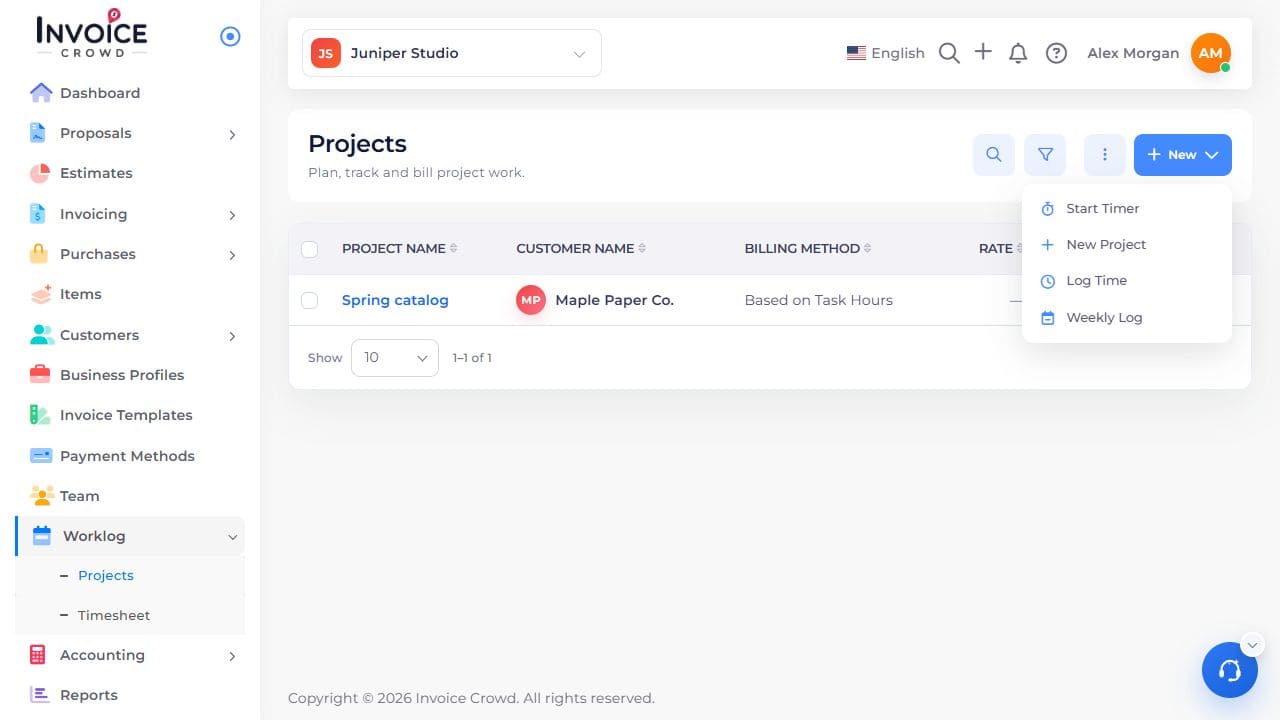
Go to Worklog → Projects → New → New Project.
2. Identify the project
Enter a Project Name and choose the customer. The project uses the selected business’s currency. Use a name you will recognize in the timesheet.
3. Choose how to bill
Select fixed price, project hours, task hours, or member hours. Enter the matching amount and choose an hours budget if needed.
4. Save and open the project
Create the project. Select its name in Projects and check the customer and billing method. Add tasks and team members from the new project.