
Check total project time for the period you want to review.
1. Open the project
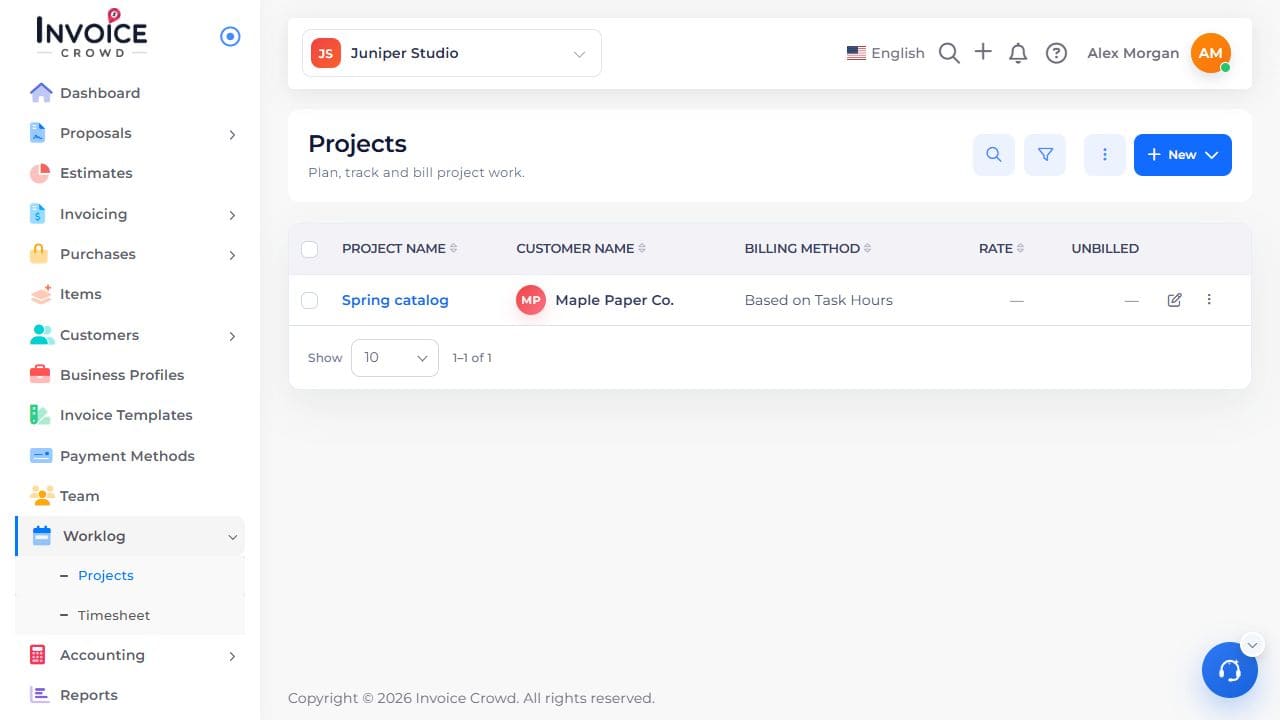
Go to Worklog → Projects. Select the project name. Check the customer shown under the name.
2. Read Project Hours
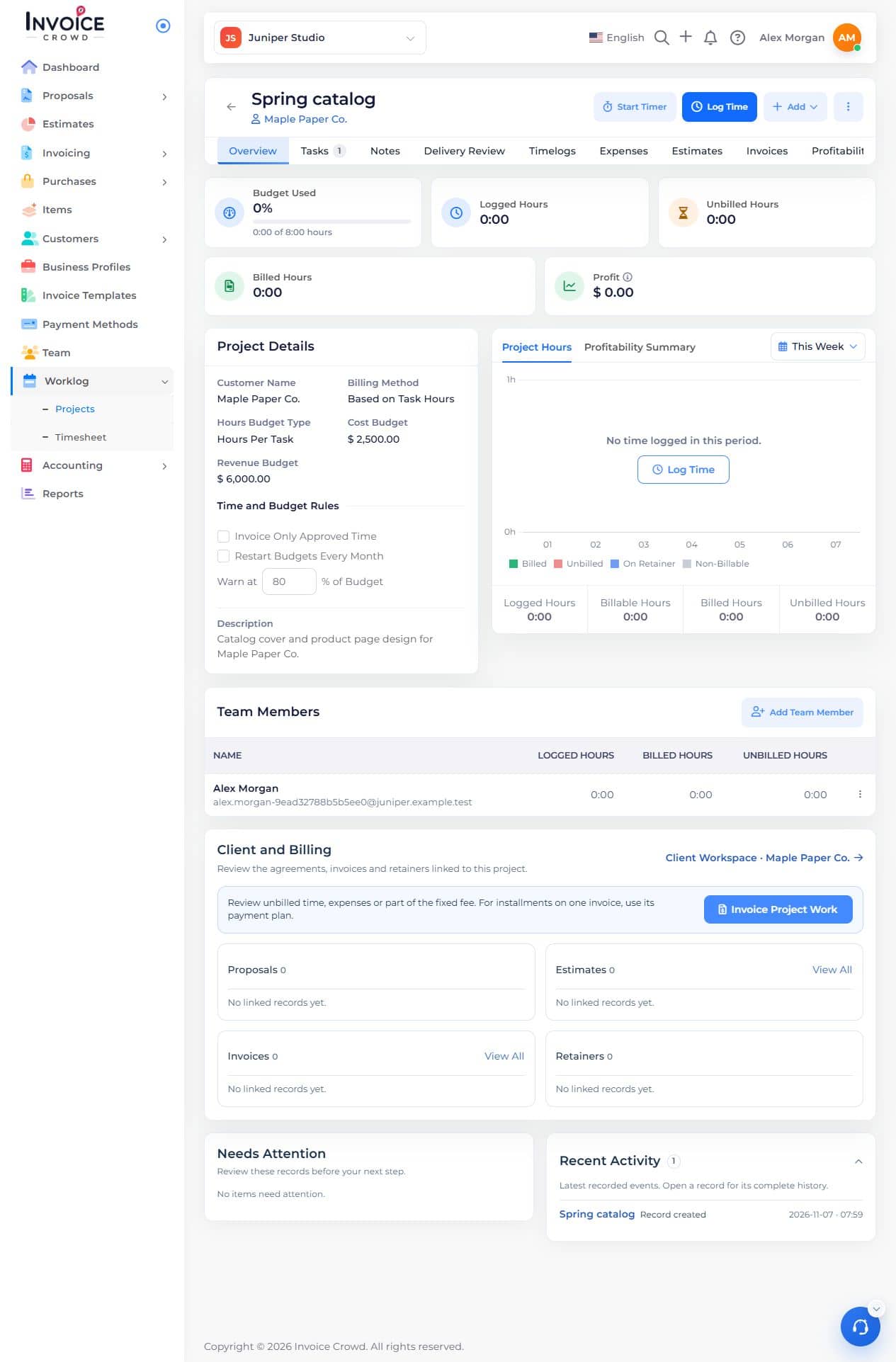
On Overview, find Project Hours. Use the period selector to choose the dates you want.
3. Check the breakdown
Compare logged, billable, billed, and unbilled hours. Open Timelogs to find individual entries. Time worked and time charged can differ.