
Track quantities for products you sell or buy. Start with the date from which stock should be counted.
1. Open Inventory
Open Business Profiles. Select Edit beside the business you want to change, then choose Inventory.
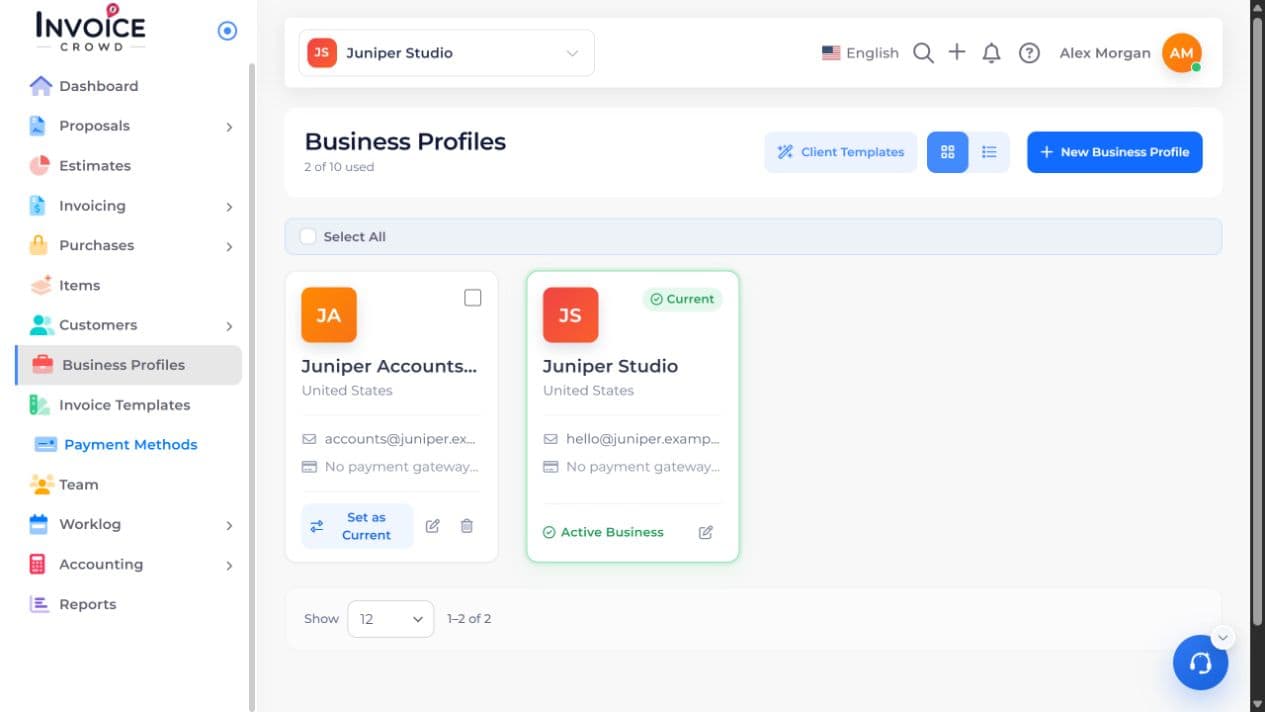
2. Inventory Tracking
Turn on Inventory Tracking and select the Inventory Start Date. Review the costing method and the negative-stock policy.
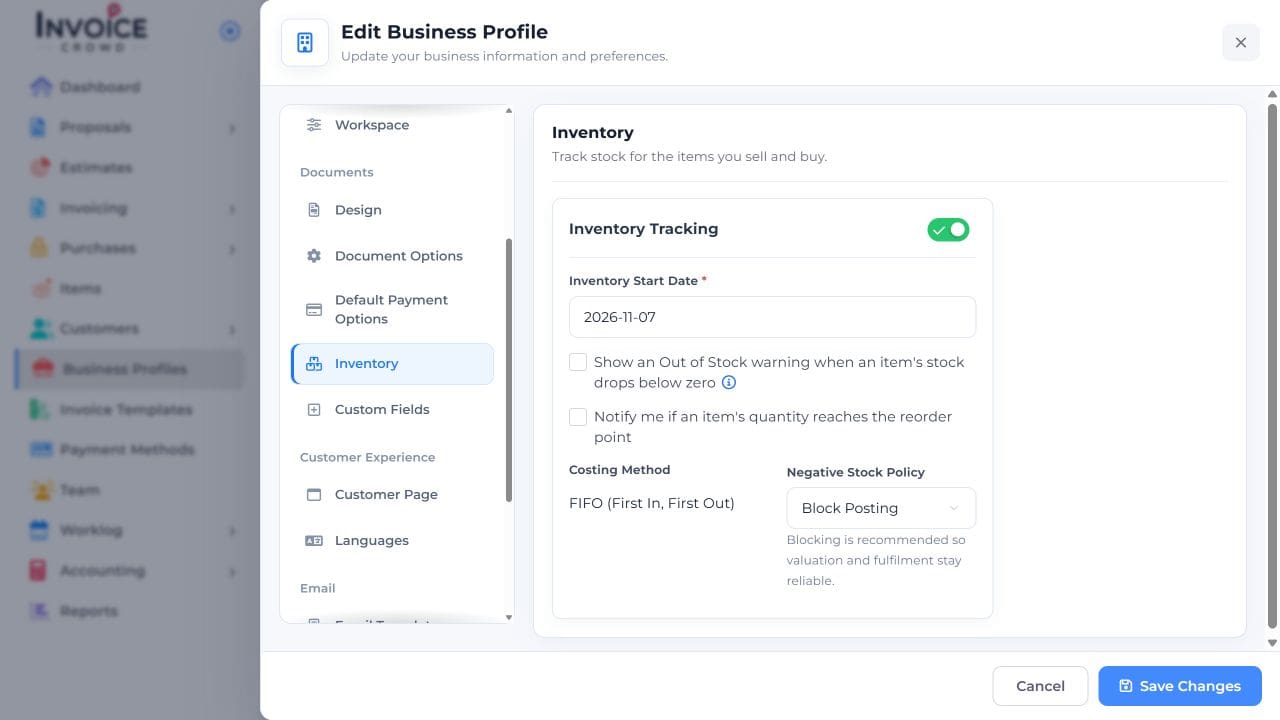
3. Set your preference
Choose whether to warn when stock drops below zero or notify you at the reorder point. Select Save Changes.
4. Save and check the result
Review the tracked product under Items and check its stock movements under Inventory. Compare a product’s quantity with the inventory summary.