
Choose the currency new customer documents start with, then choose how amounts are displayed.
1. Open Currency and Formats
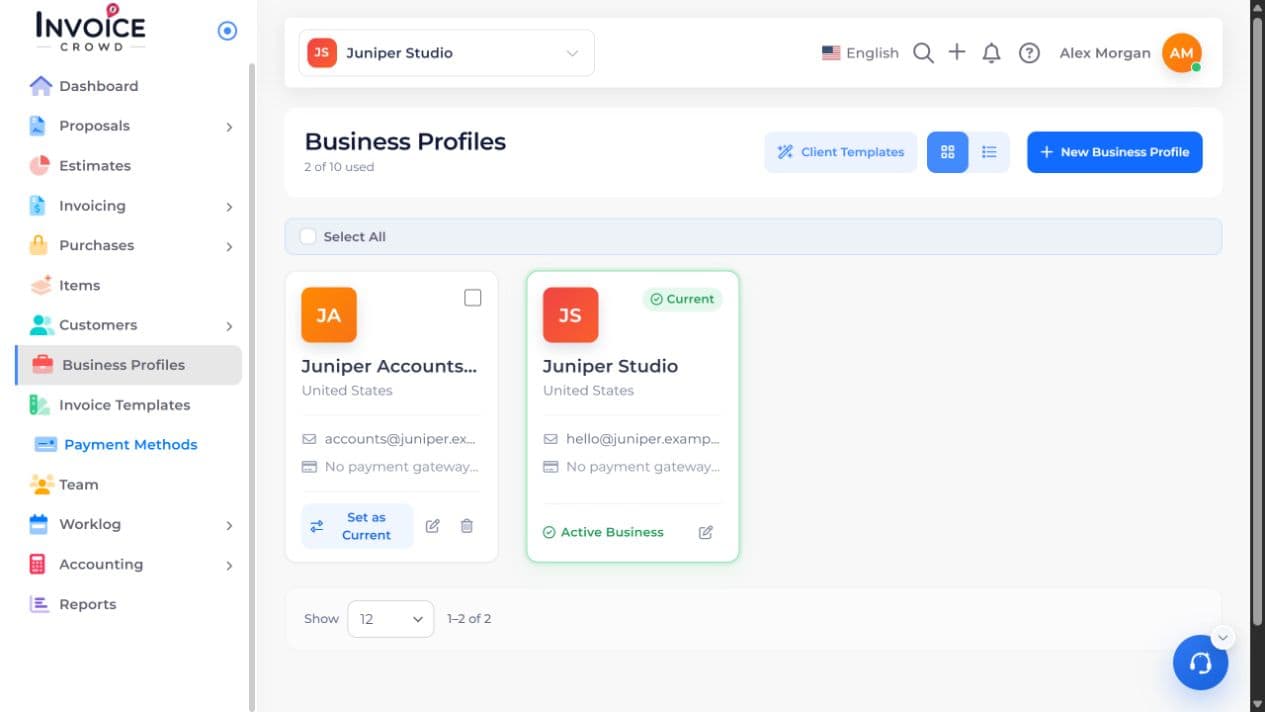
Open Business Profiles, choose Edit beside the business, and select Currency and Formats.
2. Choose Billing Currency
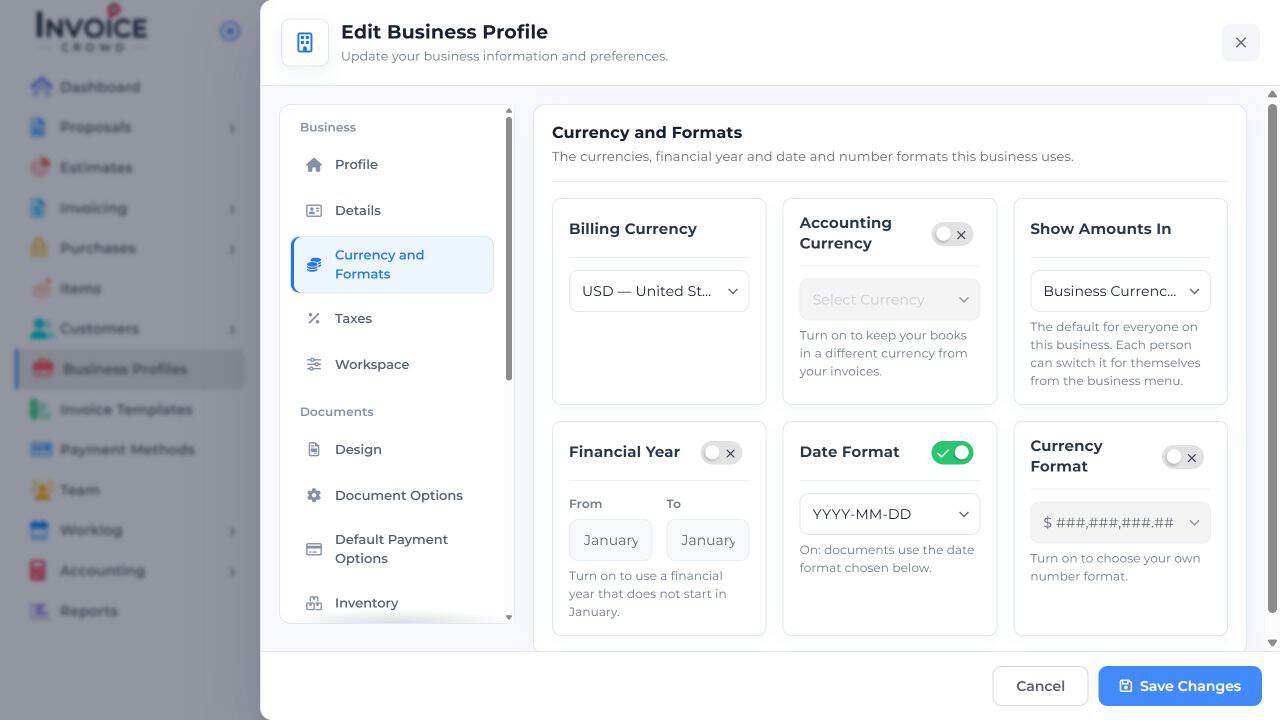
Select the intended currency under Billing Currency. Accounting Currency is a separate choice for your books, and Show Amounts In controls the default view. Leave those unchanged if you only intend to set the billing default.
3. Choose the number format
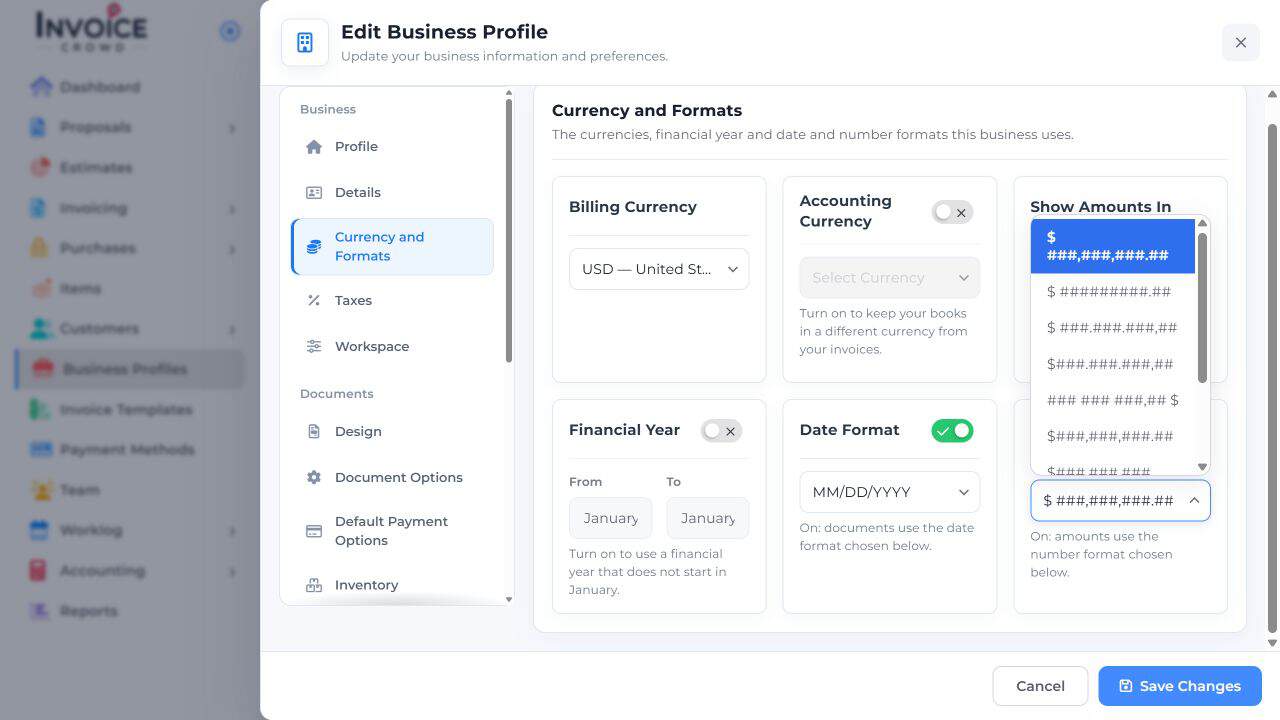
Turn on Currency Format and choose the example that matches how you want thousands and decimals displayed. This changes the written format, not the currency or exchange rate.
4. Save and check
Select Save Changes. Open a new invoice, choose its customer, then check Currency because the customer’s default can fill it. Save and preview an amount with decimals. Existing posted documents keep their recorded currency and rate.