
Save reusable scope and design without carrying a previous client’s agreement into the next job.
1. Open the proposal
Go to Proposals → Proposals and open the intended editable draft. Confirm the customer and proposal name.
2. Prepare neutral content
Replace customer-specific wording with suitable reusable content or supported variables. Review pricing examples, terms, images, and signature placeholders.
3. Save as a template
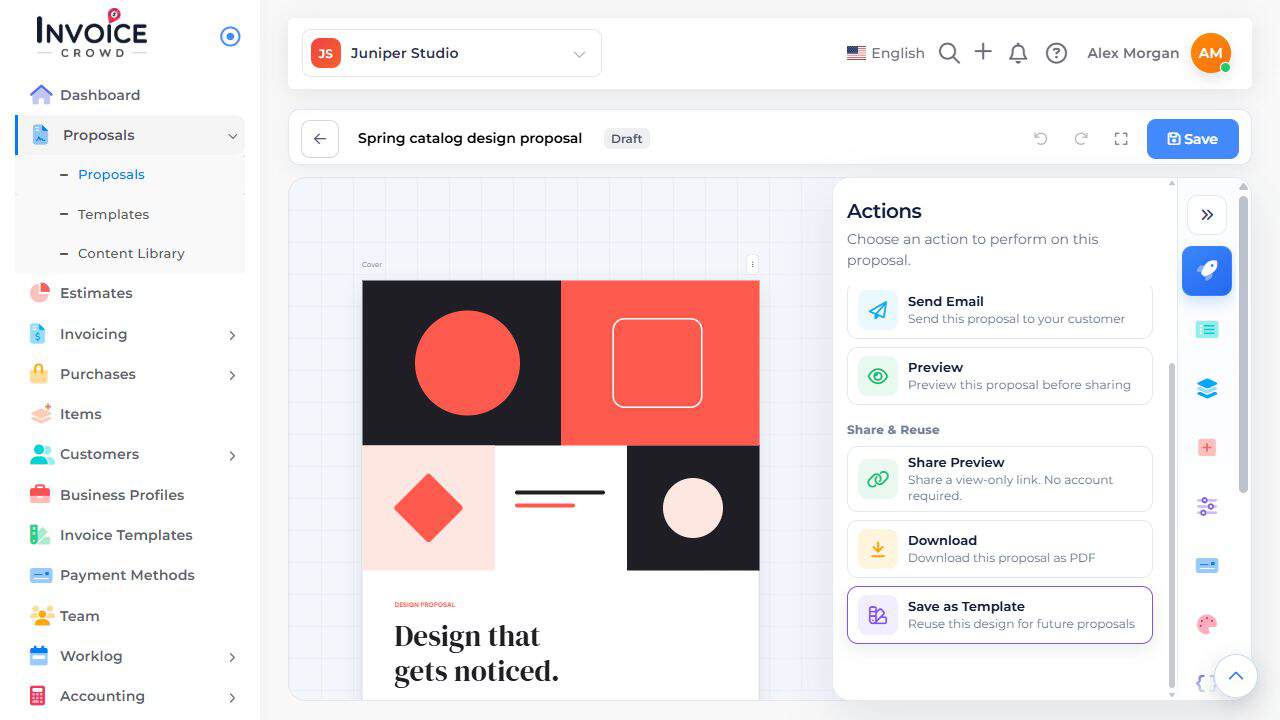
Open Actions → Save as Template. Give the template a recognizable name and save it.
4. Try a new draft
Start another proposal and choose the template from My Templates. Review the new customer, prices, dates, terms, and required fields. A reused template does not reuse the earlier customer’s approval.