
Use a customer’s available credit toward an invoice when it is sent.
1. Open Document Options
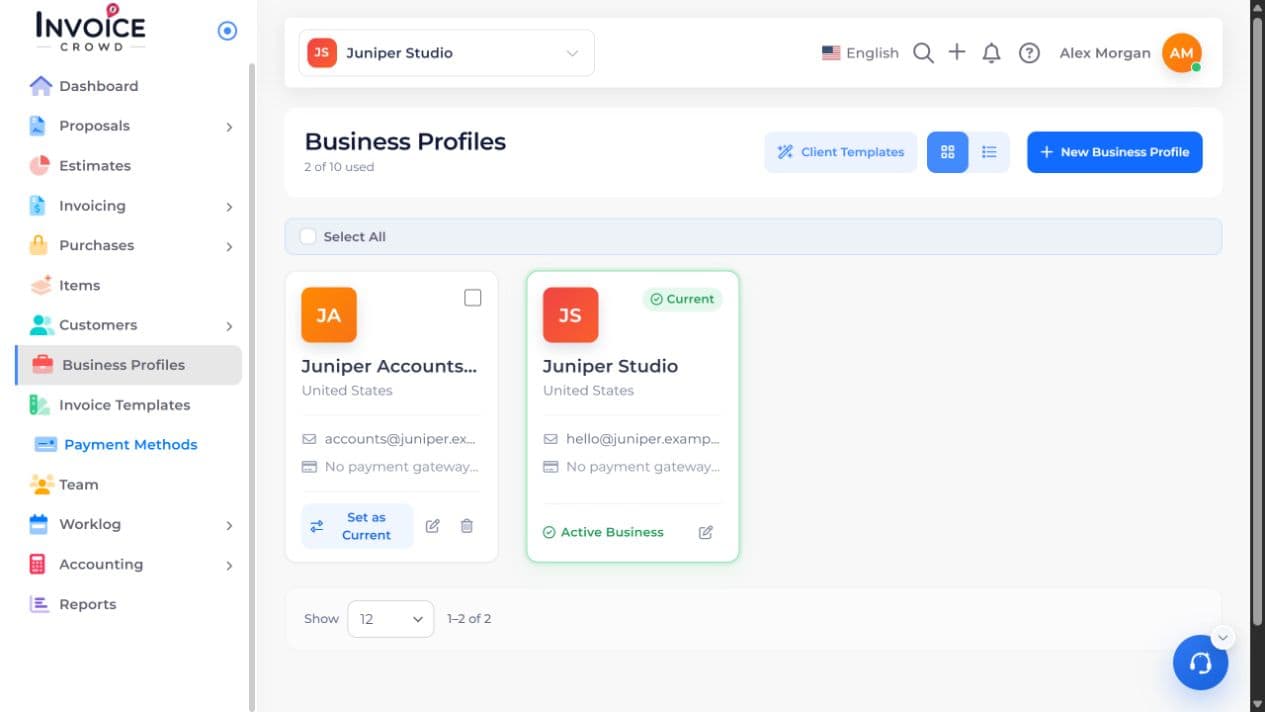
Open Business Profiles. Select Edit beside the business you want to change, then choose Document Options, then Invoices.
2. Invoice Options
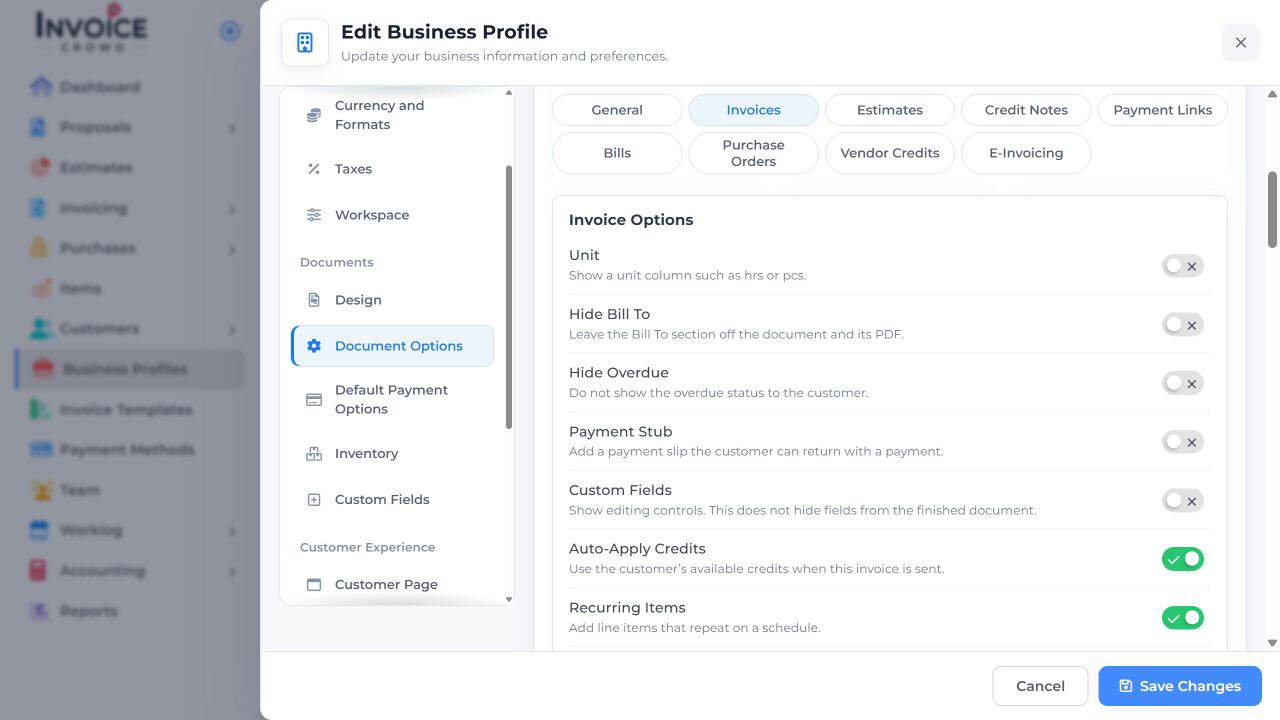
Under Invoice Options, find Auto-Apply Credits and turn it on if new invoices should use this choice.
3. Save Changes
Select Save Changes. In the invoice editor, review Options → Auto-Apply Credits for this invoice.
4. Save and check the result
Check the customer, currency, available credit, and outstanding balance. Applying credit is not a new payment. To apply credit manually, use the invoice’s credit action instead.