
Start from the original sale when you need to credit all or part of an invoice.
1. Open the invoice
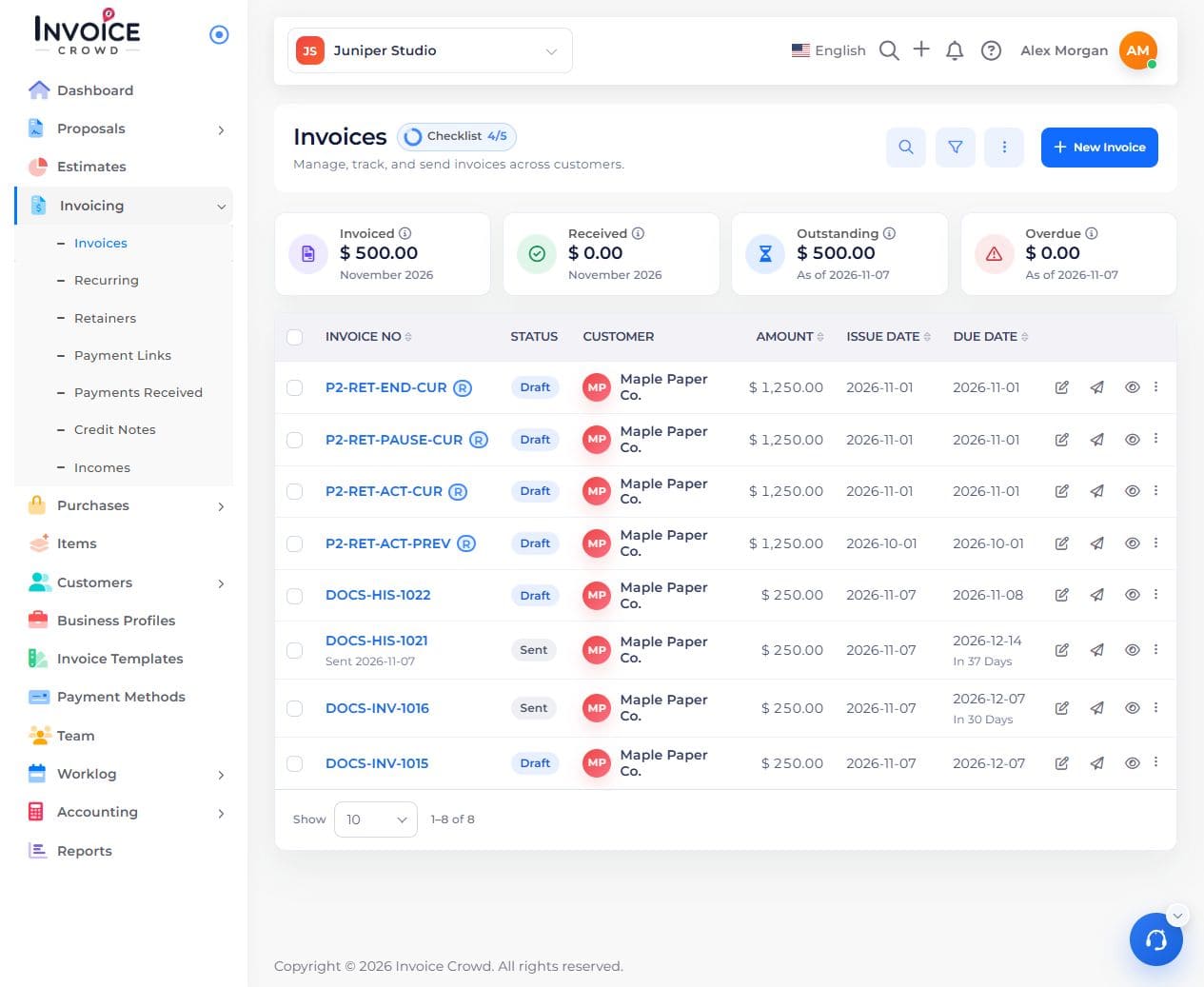
Go to Invoicing → Invoices. Open the invoice and confirm its customer and balance.
2. Create the draft credit note
Open Actions → Create Credit Note. Check the customer, currency, and reference to the original sale.

3. Review the items and save
Keep only the quantities or amounts being credited. Check tax and total, then save.
4. Choose what happens next
Apply eligible credit to an unpaid invoice, leave it available, or record an actual refund. Creating the credit note alone does not return money.