
Set the design new documents start with. Previously saved documents keep their saved design.
1. Open Design
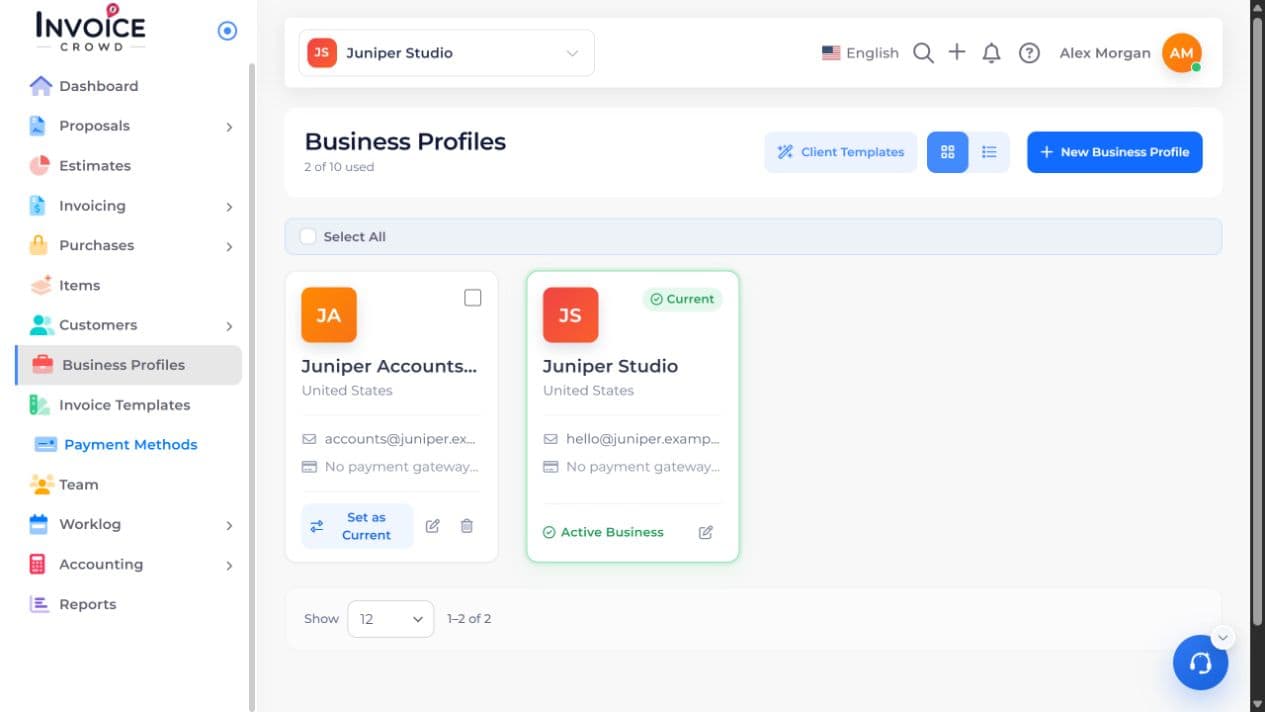
Open Business Profiles. Select Edit beside the business you want to change, then choose Design.
2. Design Defaults
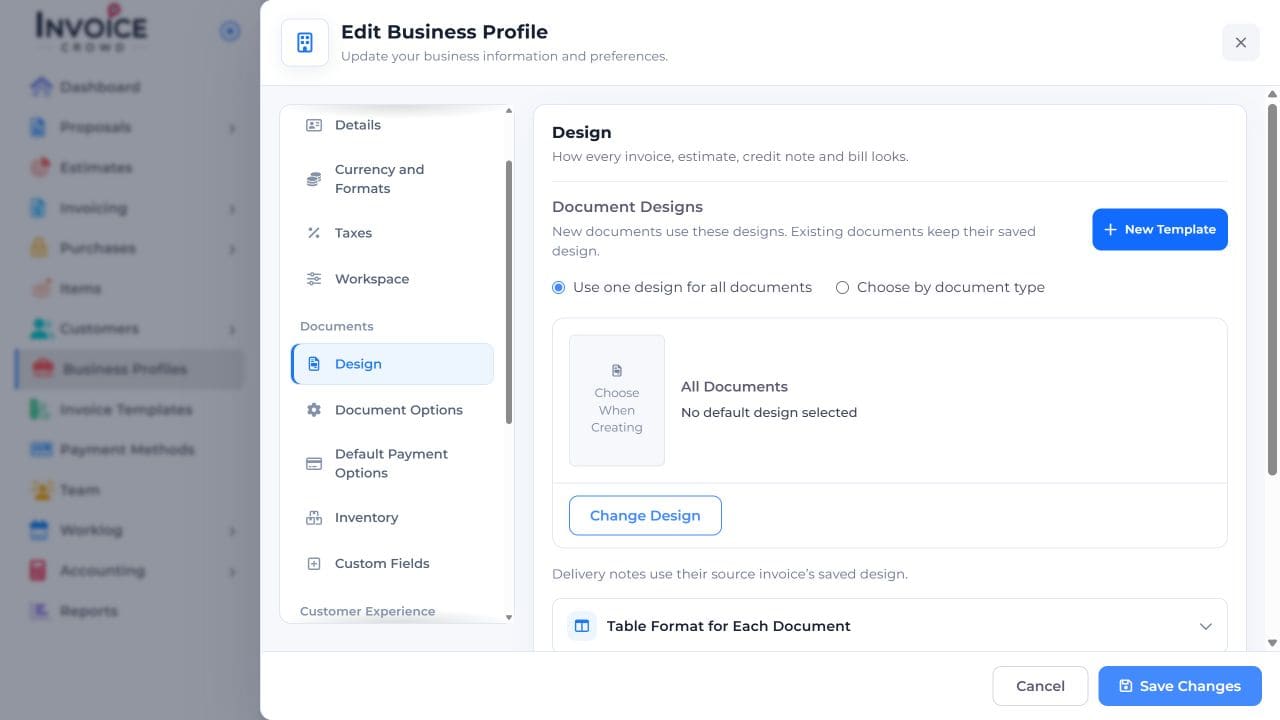
Under Document Designs, choose Use one design for all documents or Choose by document type.
3. Change Design
Select Change Design for the relevant document type and choose the template you want.
4. Save Changes
Select Save Changes. Start a new invoice and preview it; changing the default does not redesign invoices you already saved.