
A customer can be saved before you know their email address.
1. Open the customer list
Open Customers and choose New Customer. Confirm the business shown at the top.
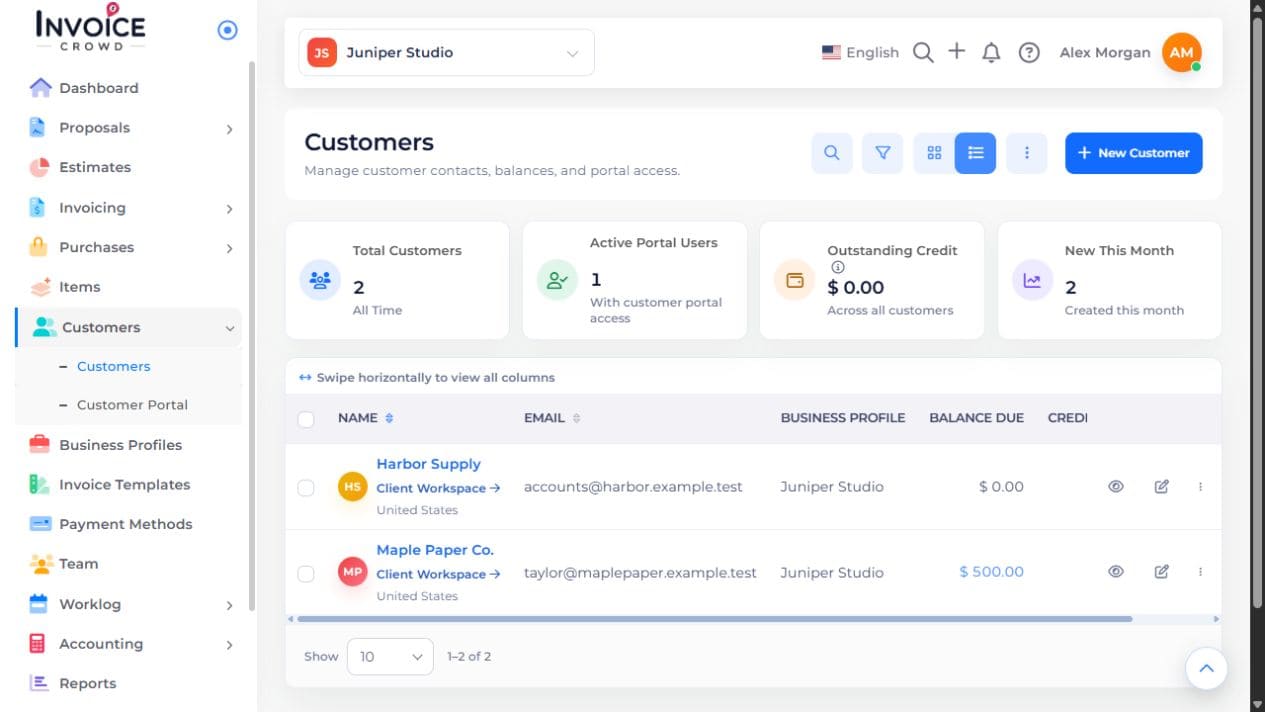
2. Enter the contact details
Enter Customer Name in Overview. Add the email and contact person if available, then open Addresses for billing and shipping details. Email is optional.
3. Save and select the contact
Save the customer. In a new document, select that saved customer from the picker. Do not create another contact merely because the first one has no email.
4. Add an email when needed
Enter a valid primary address before emailing documents or inviting the customer to a portal. A saved nonempty email can be changed but cannot be cleared. Saving the customer alone does not send an invitation.