
Set a fee for a specific payment method and review how it affects the buyer’s total.
1. Open the invoice
Go to Invoicing → Invoices. Open the invoice and confirm its customer and balance.
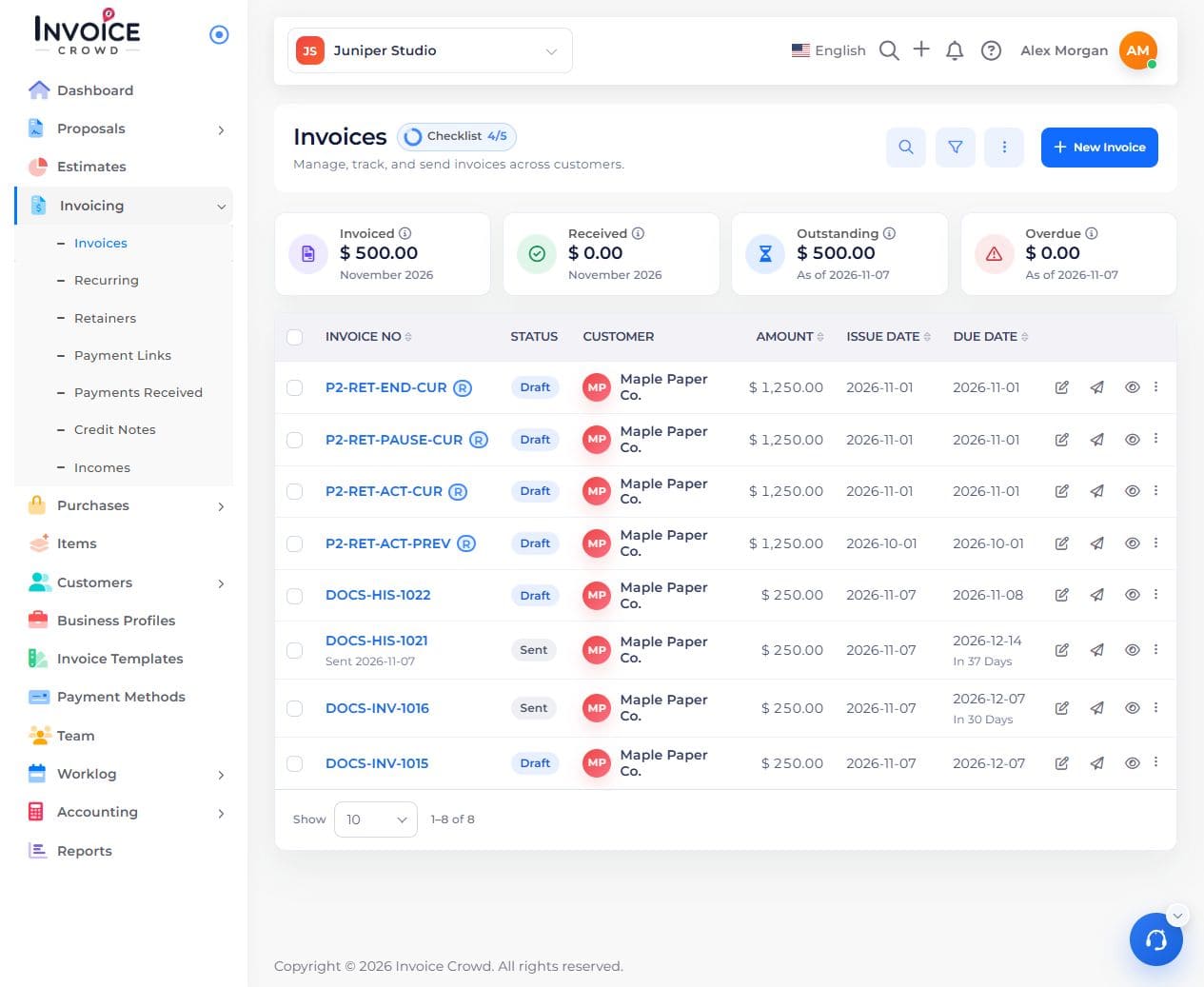
Open the correct customer invoice from Invoices.
2. Open the method
In the invoice editor, open Payment Methods. Expand the method you want to configure.

The payment method panel shows separate fee options for each method.
3. Choose the fee
Turn on Gateway Fees, then choose Add Fees. Select an active positive standard percentage rate from the Taxes picker, or use New to add one. Inclusive, compound, withholding, and special tax rates are not valid gateway fees. Review the selected rate.
4. Check the buyer’s total
Save, preview the buyer’s payment choices, and compare the total with and without that method. No payment is needed to check the displayed total.