
The amount a customer sees can change when they select a payment method that carries a fee.
1. Open the invoice
Go to Invoicing → Invoices. Open the invoice and confirm its customer and balance.
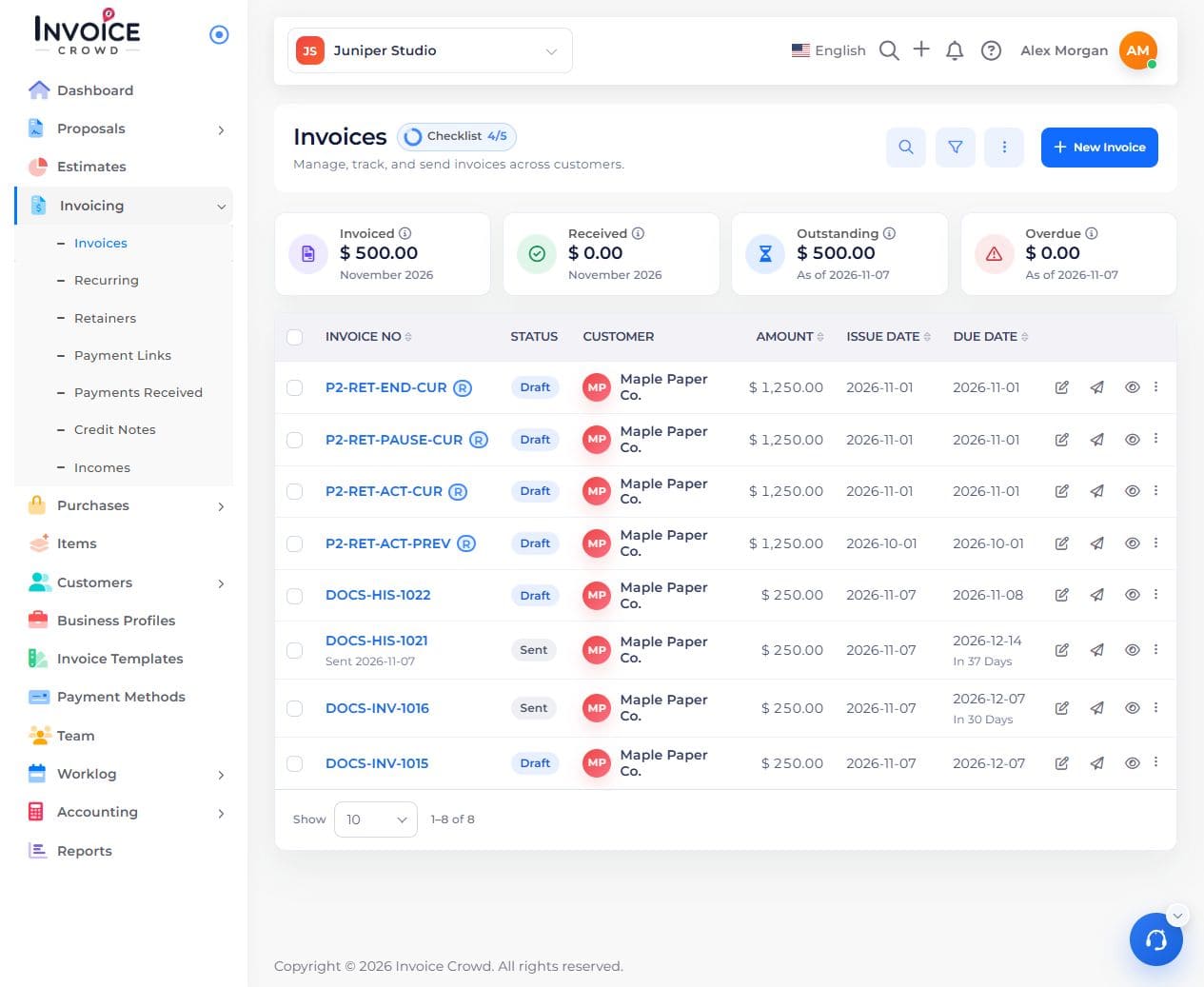
Open the correct customer invoice from Invoices.
2. Check the fee for each method
Open Payment Methods and expand the payment method. Check whether Gateway Fees is on and review its selected percentage rate. Add Fees opens the Taxes picker; only eligible positive standard rates can be used.

A fee belongs to the selected payment method.
3. Compare the preview
Save and open the customer preview. Select the method with the fee, then compare another available method. Check the fee line and total before payment.
4. If the total is unexpected
Recheck the method, currency, fee value, and the amount being paid. An invoice balance alone may not include a method-specific checkout fee.