
Save a reusable field, such as a purchase order number or a job reference.
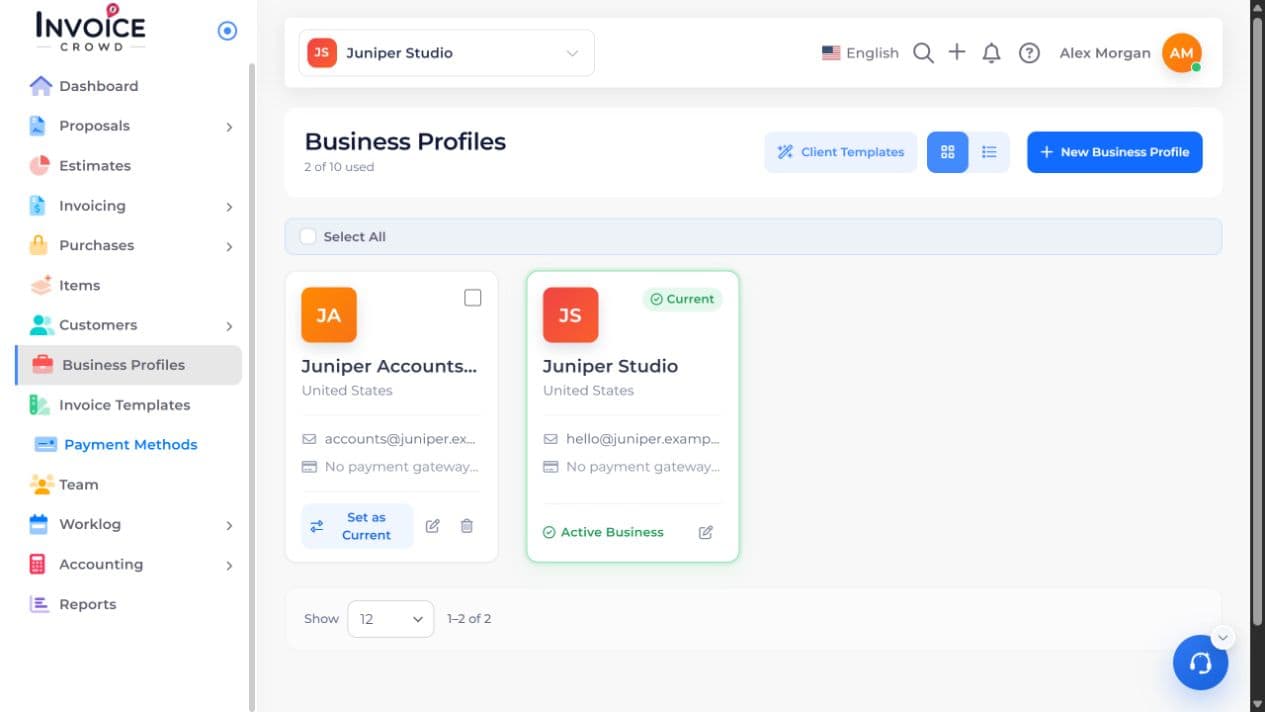
1. Open Custom Fields
Open Business Profiles. Select Edit beside the business you want to change, then choose Custom Fields.
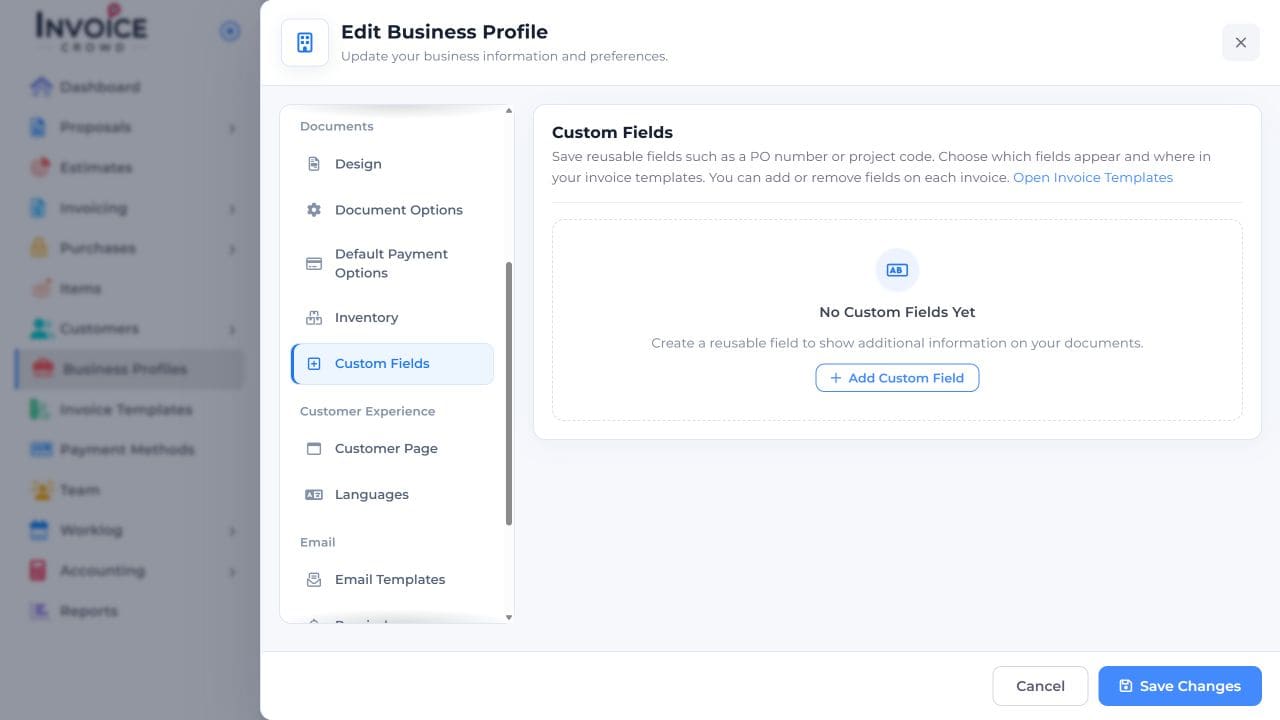
2. Add Custom Field
Select Add Custom Field. Give the field a label a customer will recognize.
3. Set your preference
Choose the type and position offered for your field, then save it. Check which fields your invoice template shows.
4. Save and check the result
Open the invoice, enter the value for this job, save, and preview. Check that the field appears where you intended.