
Choose which connected payment methods new invoices offer. You can still make a different choice on one invoice.
1. Open Default Payment Options
Open Business Profiles. Select Edit beside the business you want to change, then choose Default Payment Options.
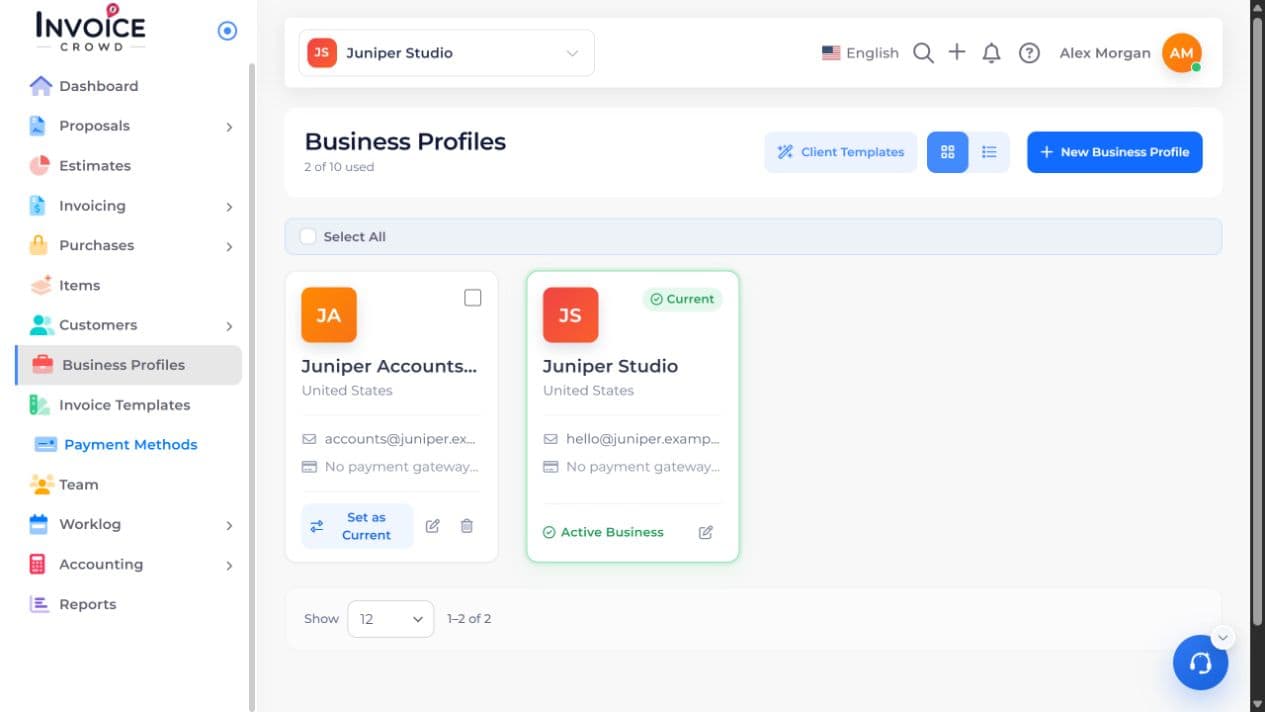
2. Choose the setting
If there are no methods yet, use Add Payment Method and set up an available method for your business.
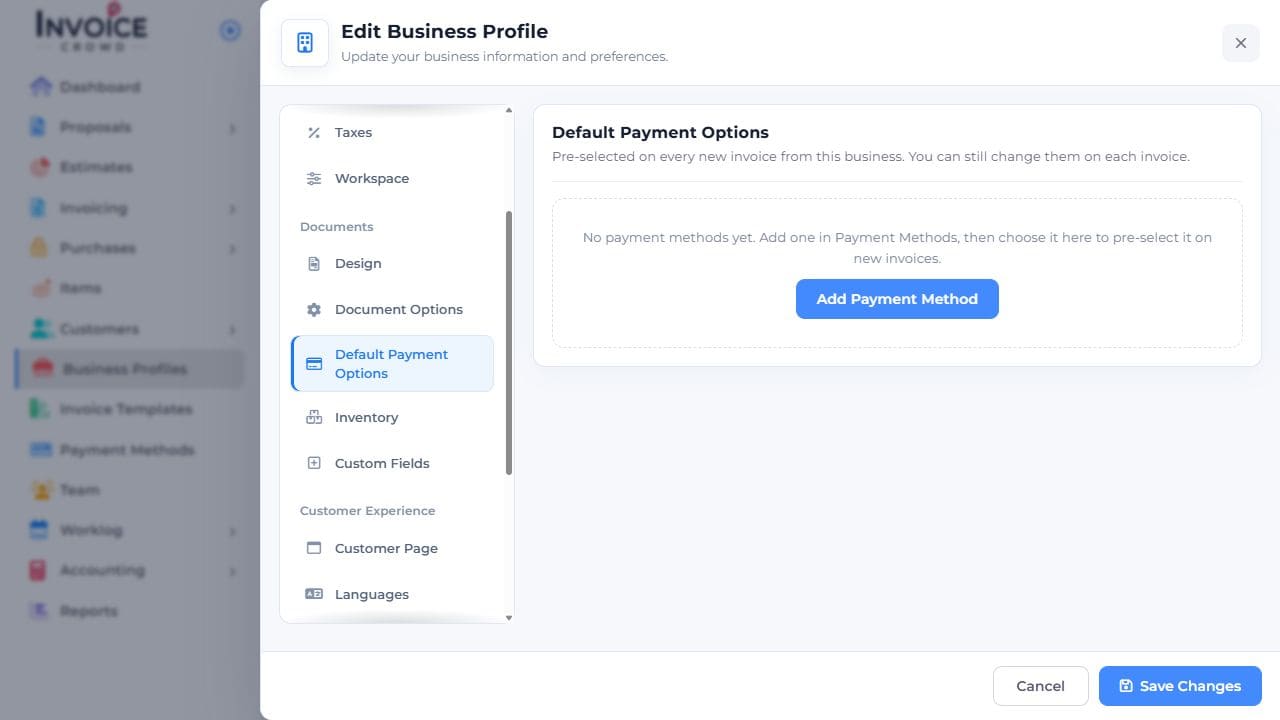
3. Choose the methods to offer
For each intended connected gateway and account, turn on Offer by Default. Review any Gateway Fees separately, then choose Save Changes.

4. Save and check the result
Start a new invoice, review its Payment Methods panel, and preview the customer’s choices. A connected method is not necessarily selected on an older invoice.