
Use a date field when you need a date from the client.
1. Place the date field
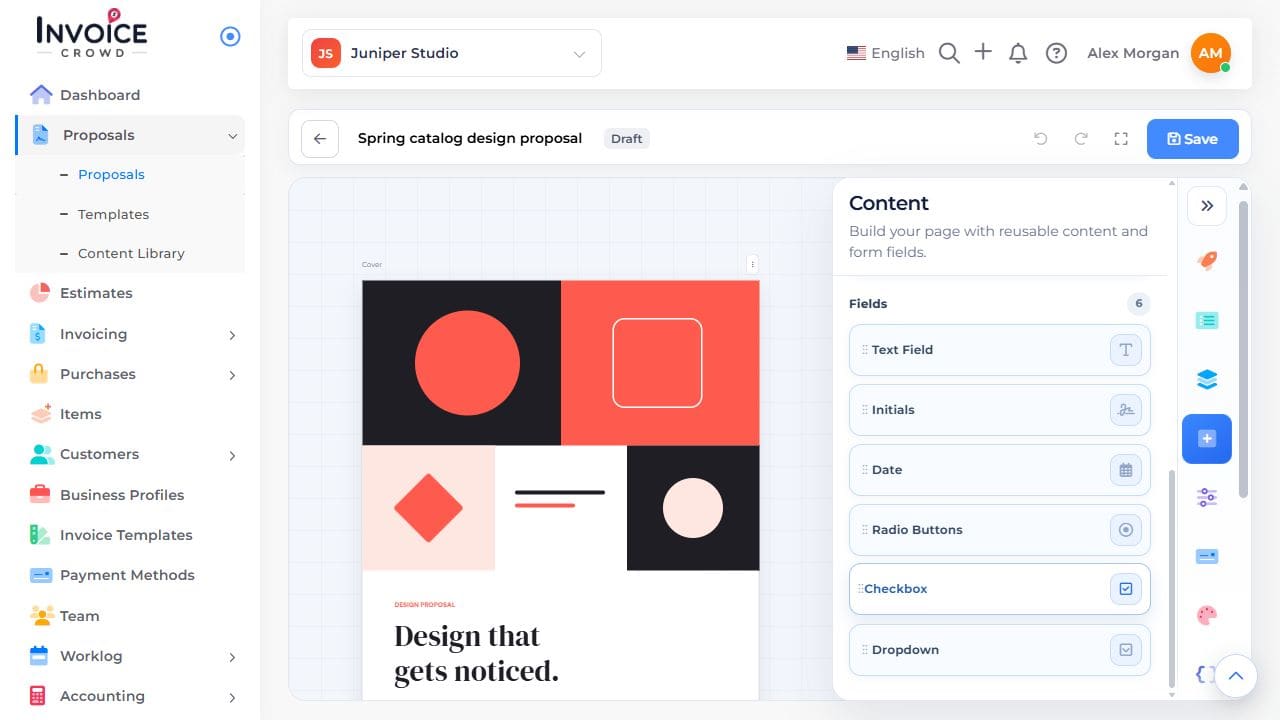
Open Content → Fields → Date and place it by the relevant question in the proposal.
2. Name it clearly
Enter a label such as “Preferred start date.” Choose the date format and whether an answer is required. The selected date is separate from the proposal expiry date.
3. Preview the result
Save and preview. Pick a date and confirm its displayed format is clear.