
Record only the money you have actually received. Recording it does not charge the customer.
1. Open the invoice
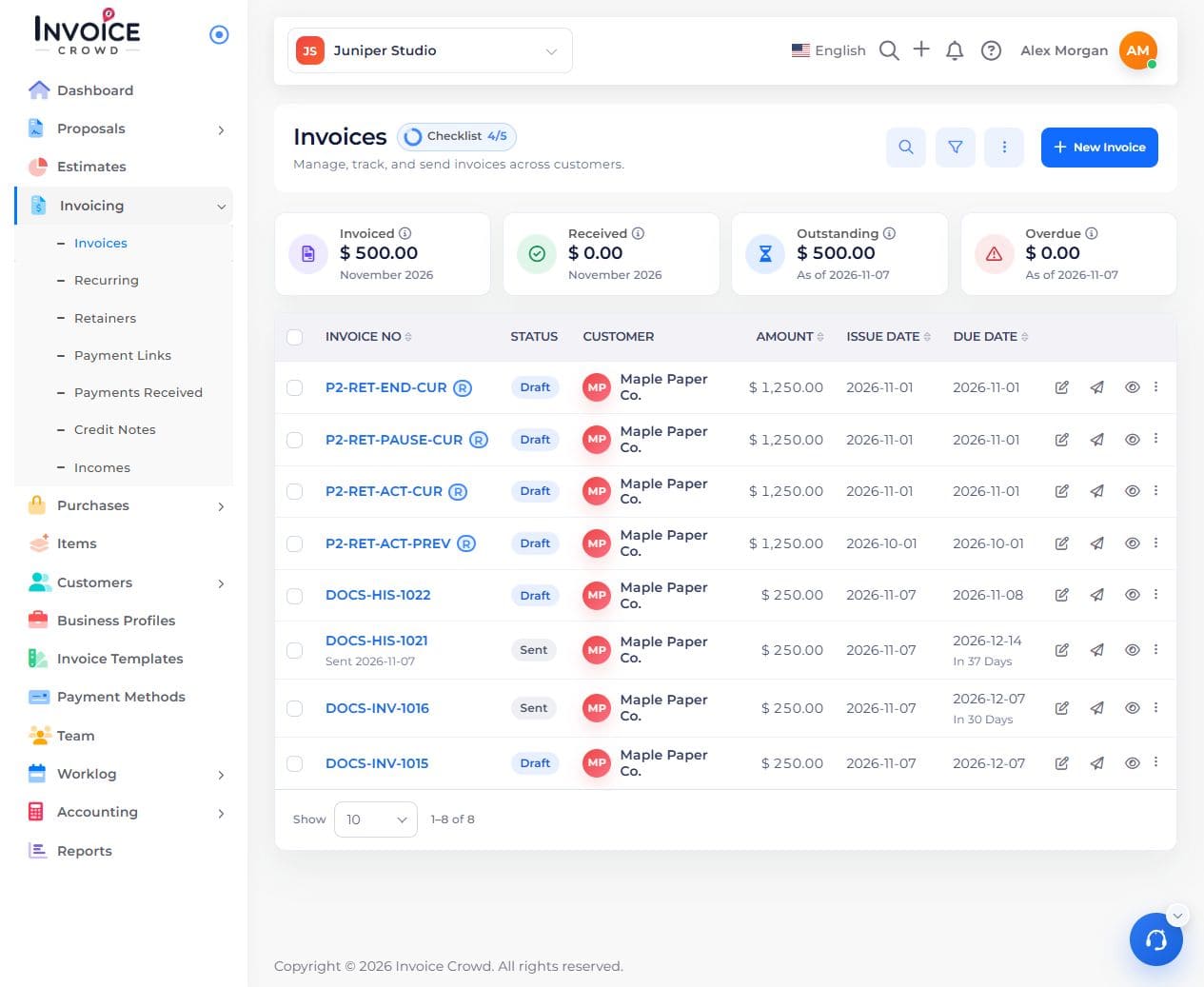
Go to Invoicing → Invoices. Open the invoice and confirm its customer and balance.
2. Check the payment history
Open Manage Payments → History. Check whether this receipt has already been recorded.
3. Record the receipt
Choose Record payment. Enter the date, amount received, payment method, and receiving account if requested. For a partial receipt, enter the amount received, not the full invoice total.
4. Check the balance
Save the payment. Confirm it appears once in History and that the outstanding balance has fallen by that amount.