
Let a teammate work with specific customers rather than the entire customer list.
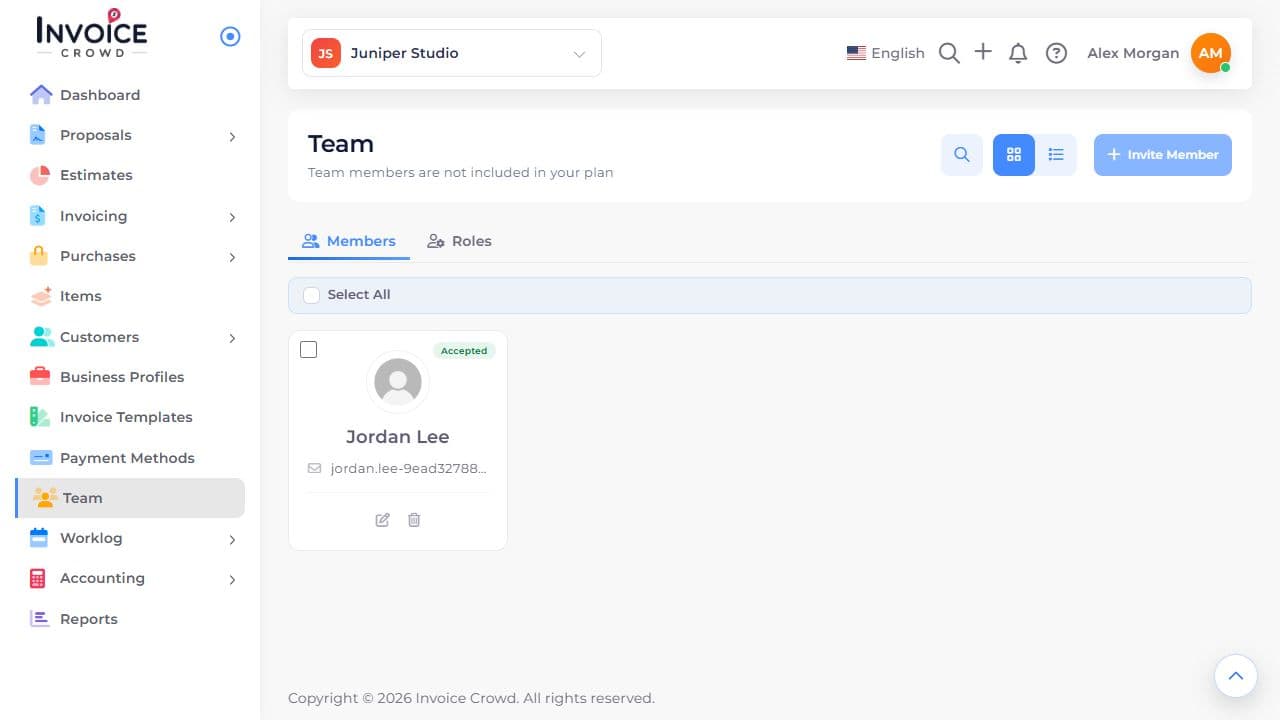
1. Open the member
Go to Team → Members. Find the person and select their name or edit icon.
2. Check their businesses
Review the assigned role and Business Access. The role sets the actions the teammate can perform.
3. Select the customers
Under customer access, turn on Only Selected Customers. Select each customer the member should access in those businesses.
4. Save and verify
Select Save Changes. Ask the member to check My Account → My Access. If a customer is missing, check both the business and customer selection.