
Correct the existing opening entry through the screen that created it. Do not enter the same starting amounts again.
1. Identify the entry
Check whether it is a customer's or vendor's opening balance, or a general account balance entered under Accounting → Opening Balances.
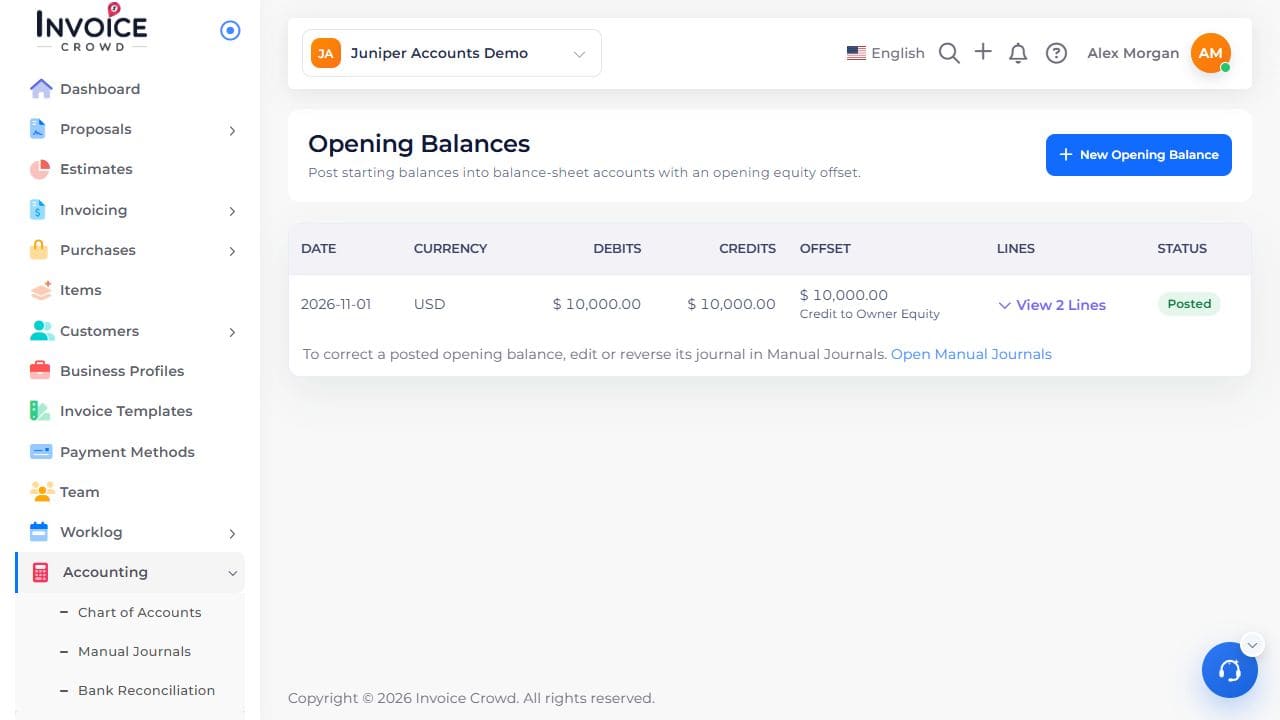
The opening-balance list identifies the original date and posted amounts.
2. Correct a contact balance
Open the customer or vendor → Opening Balance. Use Edit on the existing entry. Review the original amount, date, currency, exchange rate and reference. Once payments or credits are recorded, date, currency and rate stay locked. A partial amount cannot be reduced below what is settled, and a fully settled amount stays locked while its settlement remains.
3. Correct a general account balance
Open its existing opening-balance journal under Accounting → Manual Journals. Review the supported edit or reversal with your accountant.
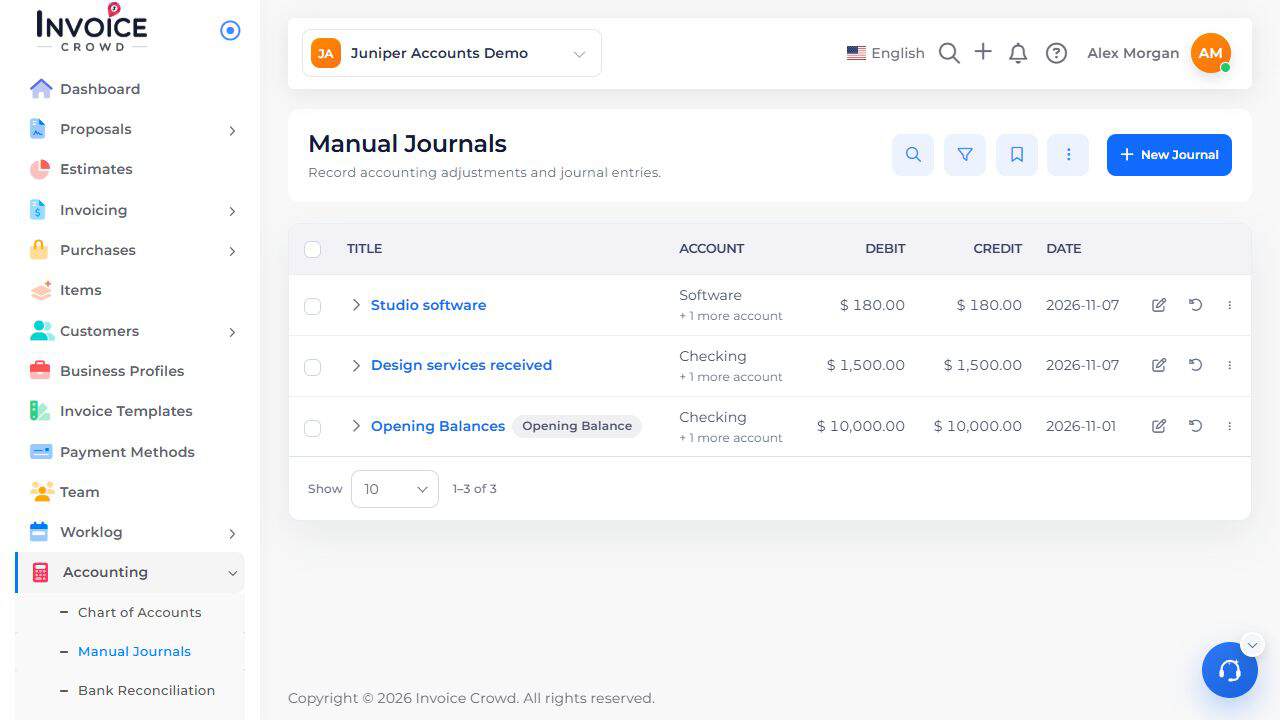
Manual Journals is the supported place to review an opening-balance journal.
4. Respect restrictions
Closed periods, reconciliations, write-off history and permissions can restrict changes. Do not remove a genuine settlement to bypass a restriction.
5. Verify the result
Review the corrected contact or account balance and confirm that old sales or bills have not been counted twice. Ask your accountant or support about an uncertain correction.