
Use your email provider’s outgoing server for one business.
1. Open Sending Server
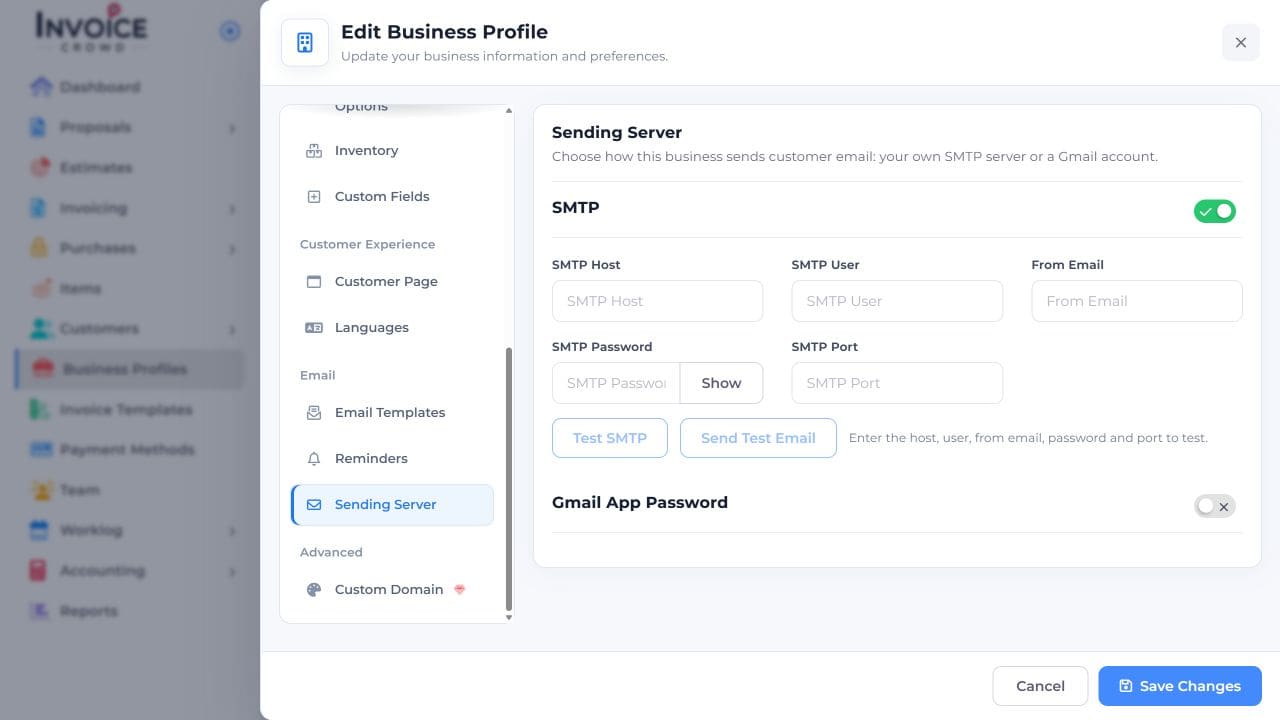
In Business Profiles, choose Edit beside the business and open Sending Server. Turn on SMTP.
2. Enter the server details
Enter the host, username, From Email address, password, and port supplied by your provider.
3. Check the connection
Choose Test SMTP once the required fields are complete. If the check fails, compare the host, port, and login with your provider’s settings.
4. Save
Choose Save Changes. Use Send Test Email only when you want an actual message delivered to the test recipient.