
A bank rule suggests a category when you create an income or expense from an unmatched statement line. It does not match an existing payment or save a new entry for you.
1. Open Bank Rules
Go to Accounting → Bank Reconciliation → Bank Rules. Choose New Rule.
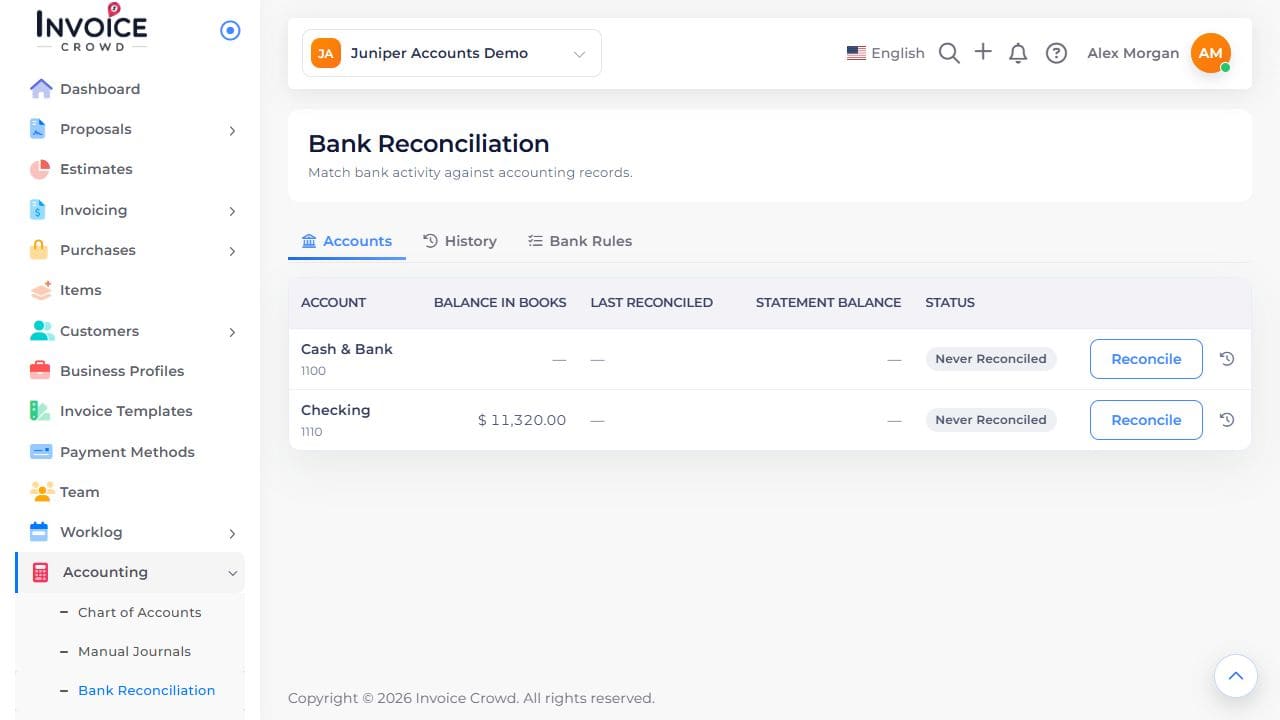
Bank Rules is a separate tab alongside Accounts and History.
2. Name and scope the rule
Enter a recognizable name. Set Applies To and the When conditions for the intended money direction and statement descriptions.
3. Choose the action
Select the income or expense category to suggest. The statement’s bank account remains the paid-through account. Set Priority and Enabled. Avoid a broad condition that also matches unrelated payments.
4. Save and review matches
Save the rule, then review the suggested category and actual transaction before creating an entry from an unmatched line. If the money is already recorded, use Match transactions instead. Handle exceptions individually.