
Create a draft invoice from the hours still available to bill.
1. Open the project
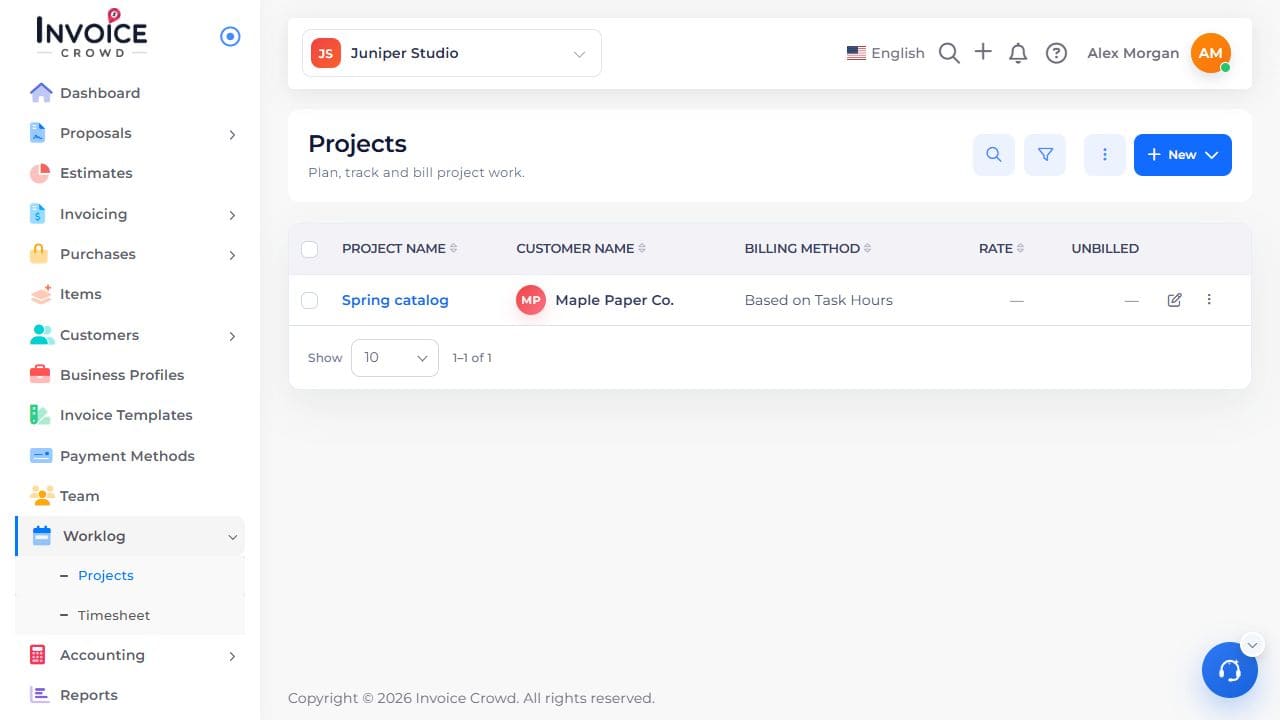
Go to Worklog → Projects. Select the project name. Check the customer shown under the name.
2. Start the invoice
From the project list, open the project’s row menu and choose the invoice action. Alternatively, open Worklog → Timesheet and choose Invoice Unbilled Time.
3. Review what is included
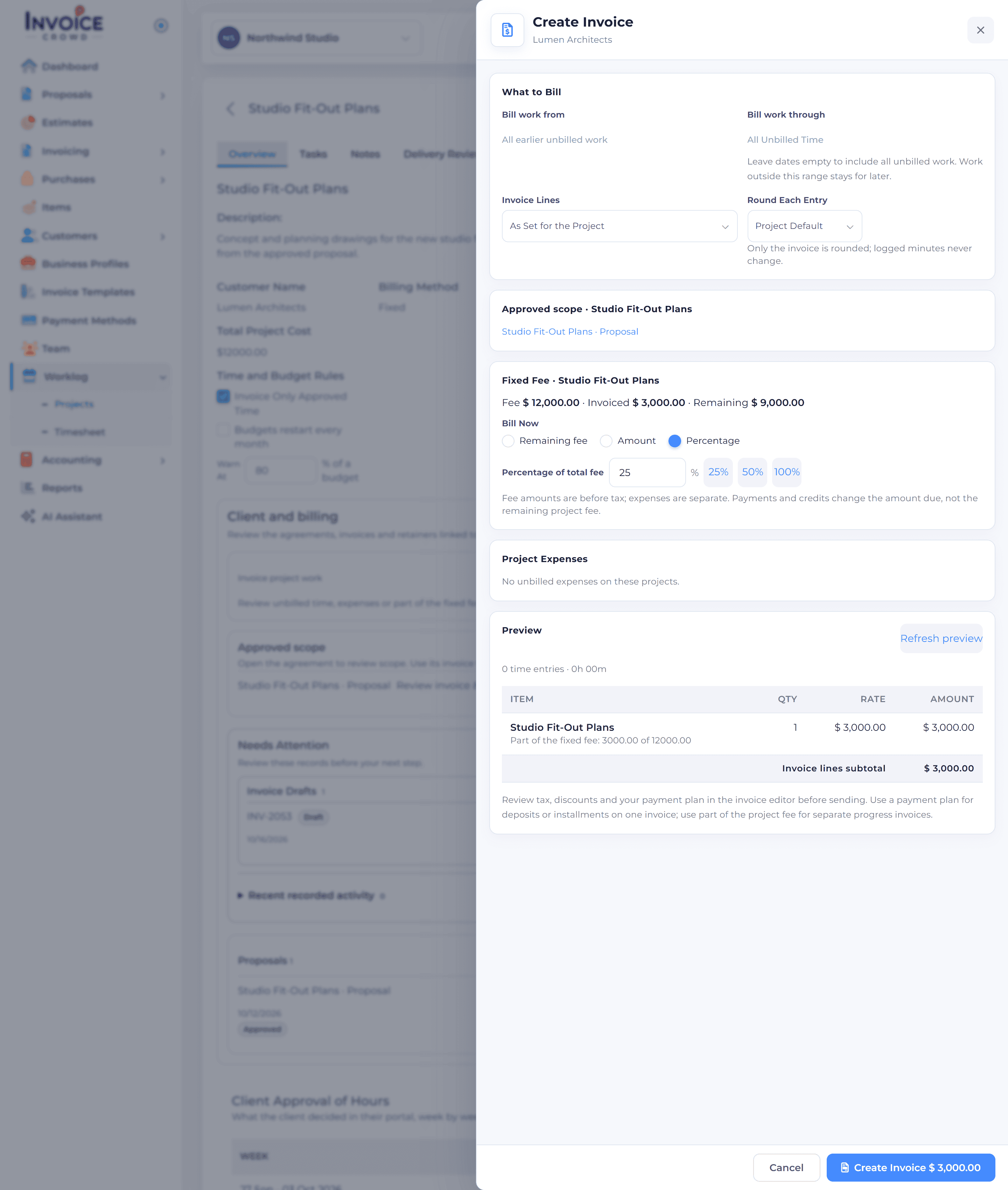
Choose the cutoff date. Review the time entries, rounding, line descriptions, and any expenses you want to pass on. Already invoiced or retainer-covered hours are excluded.
4. Check the draft
Create the invoice, then open the draft and check its customer, quantities, and total before sending.