
Give repeat settings to the estimate’s ongoing service lines and keep one-time charges separate.
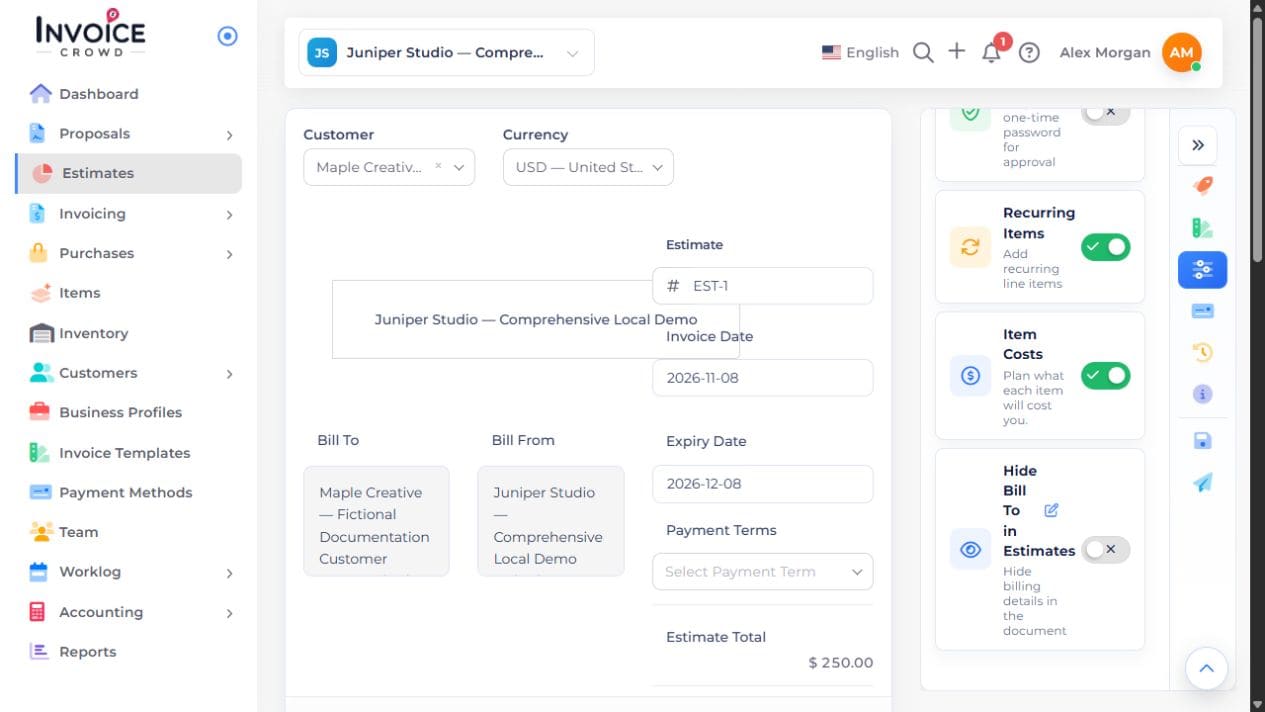
1. Enable Recurring Items
Open the customer estimate. In Options, turn on Recurring Items.
2. Open the service line’s settings
Choose the R control beside the item that should repeat. Leave one-time setup or purchase lines without repeat settings.
3. Review the repeat terms
In the recurring popup, review Issue Date, How Often, the timing for that frequency, invoice limit and Charge Type. Read the start and authorization explanation shown for your selection.
4. Submit, save and preview
Choose Submit to apply the line’s repeat settings, then save the estimate. Reopen the service line’s R control to check the saved terms. Preview the estimate before sharing; an estimate alone does not authorize a customer charge.