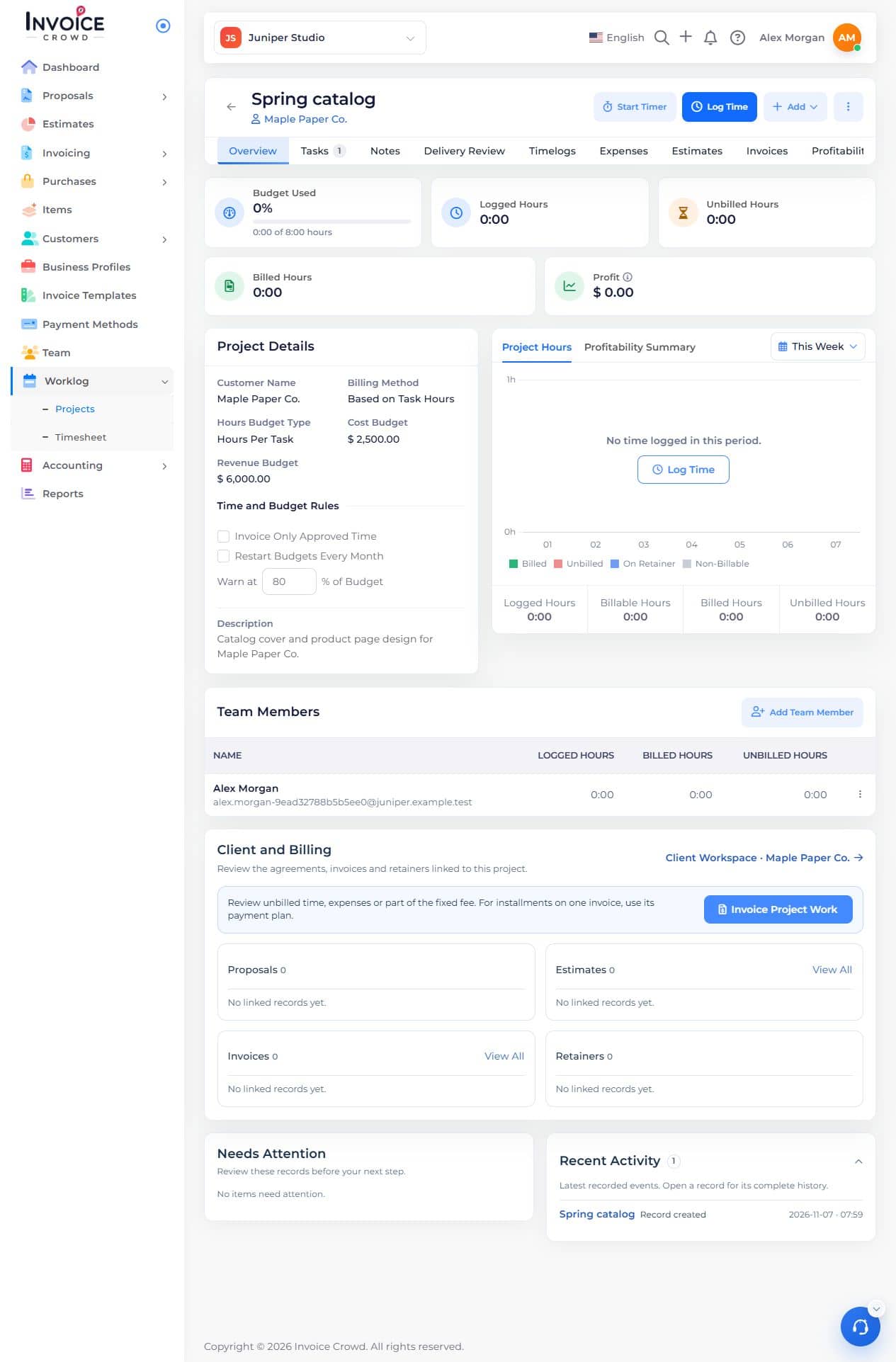
Set an hours or money budget and compare it with actual work over time.
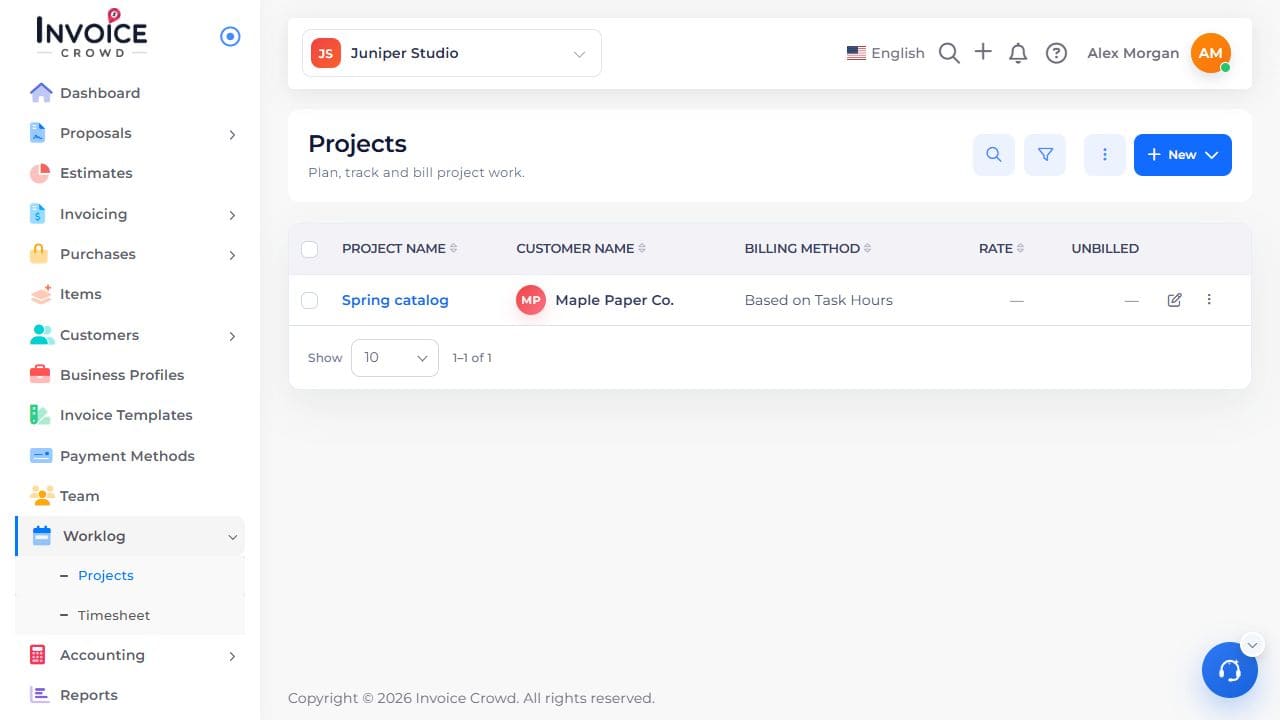
1. Open the project for editing
In Worklog → Projects, use Edit beside the project name.
2. Set the budget
Choose whether hours are budgeted for the project, per task, or per member. Enter the hours at the level you chose. Enter the cost or revenue budget if you track it. Save the project.
3. Compare actual work
Open Overview to review the budget and logged hours. Use Profitability if your role can view internal costs.