
Choose the pricing method that matches your agreement with the customer.
1. Open the new-project form
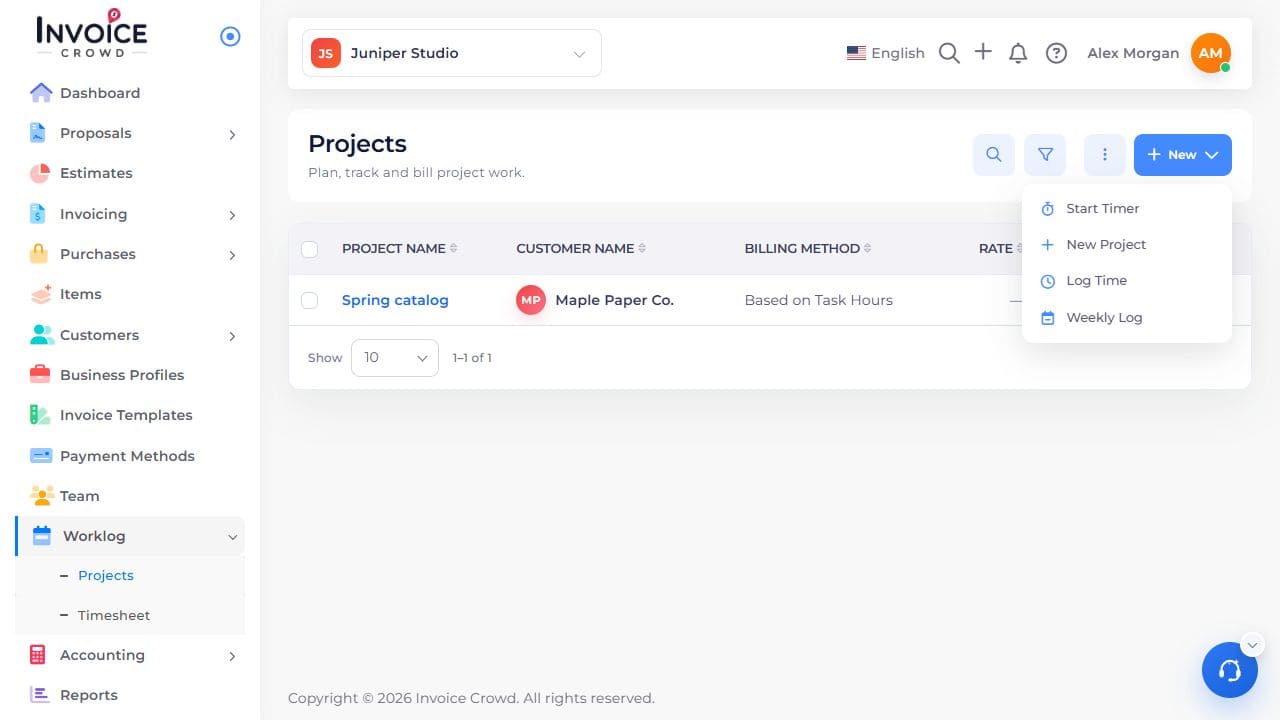
Go to Worklog → Projects → New → New Project.
2. Choose a billing method
Choose fixed price for a single agreed fee, project hours for one hourly rate, task hours for different task rates, or member hours for different team rates.
3. Enter the corresponding amount
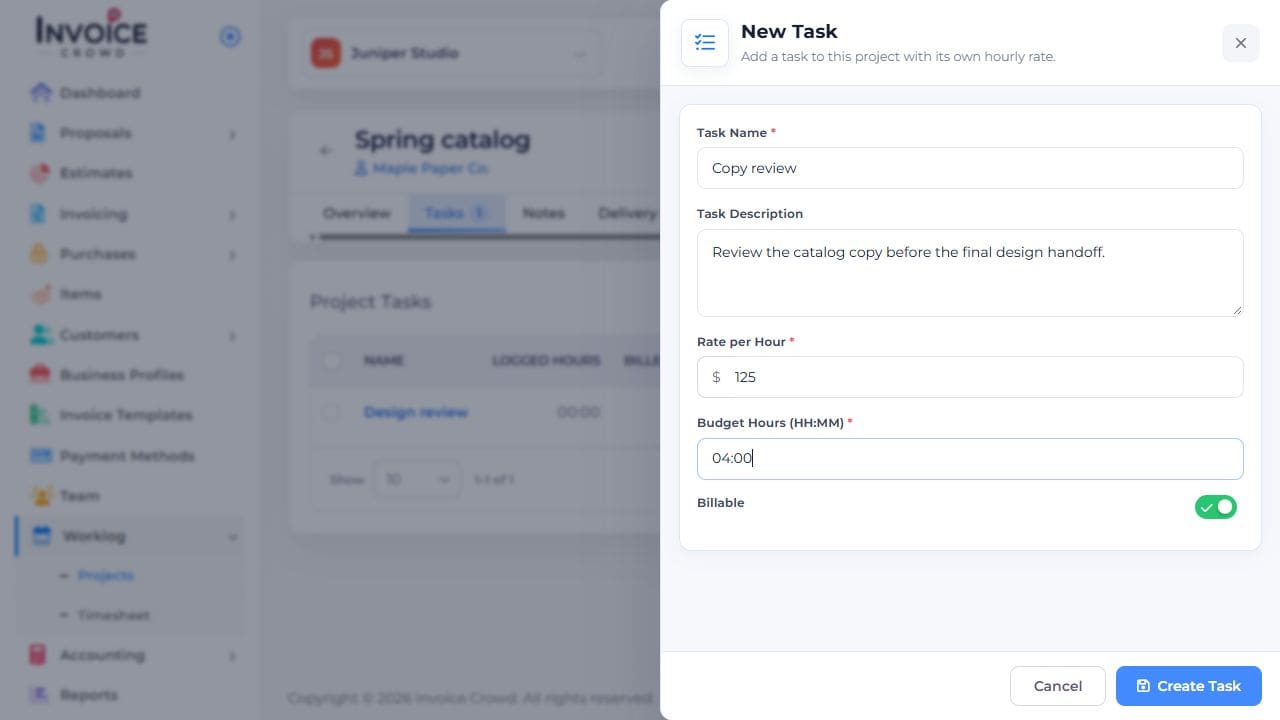
Enter the fixed fee or project hourly rate in the project. For task rates, enter each rate when adding the task. For member rates, enter the rate when adding the person.
4. Check the project
Save the project. Check its billing method in the project list before logging billable time.