
See how much time each person has recorded on a project and how much is still unbilled.
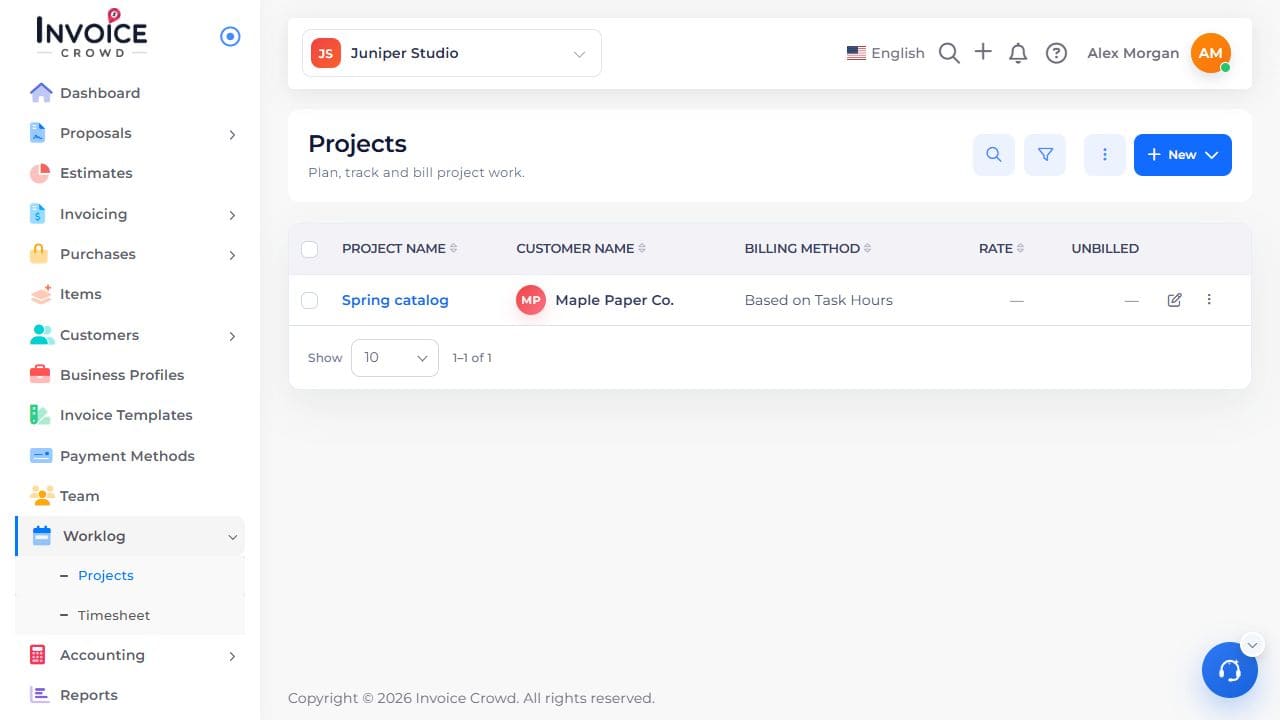
1. Open the project
Go to Worklog → Projects. Select the project name. Check the customer shown under the name.
2. Find the team table
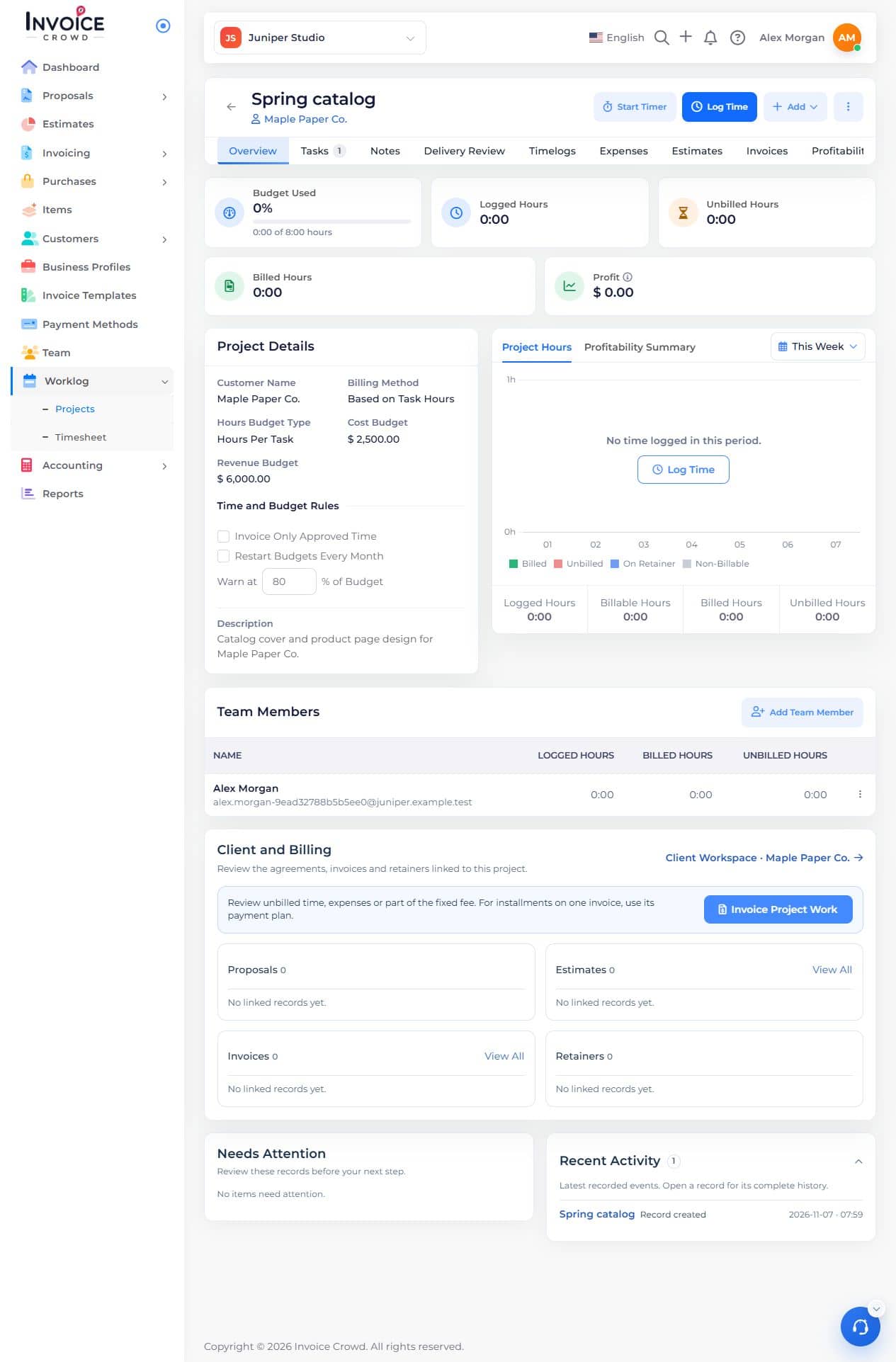
On Overview, scroll to Team Members. Find the person you want to check.
3. Compare the hours
Read Logged Hours for time worked. Use Billed Hours and Unbilled Hours when shown. Use Timelogs to check the entries behind a total.