
Record time you have already worked on a task.
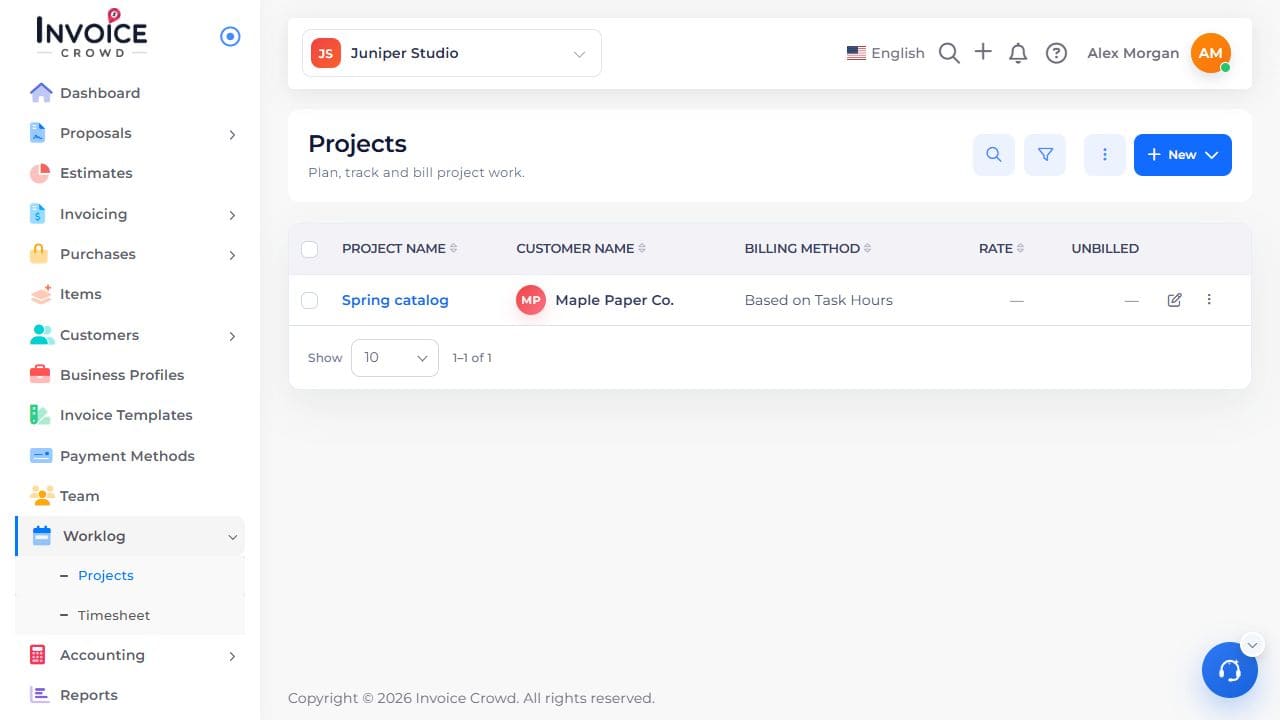
1. Open the project
Go to Worklog → Projects. Select the project name. Check the customer shown under the name.
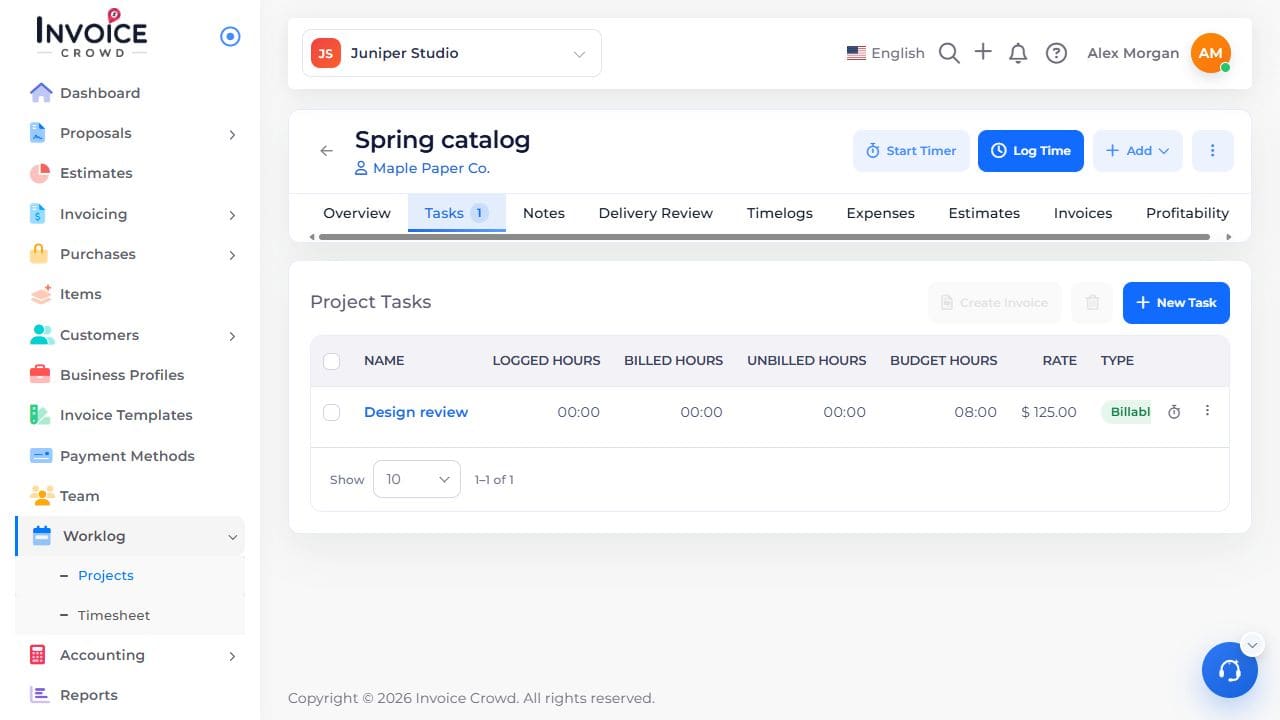
2. Open Log Time
Choose Log Time at the top of the project. Select the task and the person who did the work.
3. Enter the actual time
Choose the work date and enter the duration in hours and minutes. For one hour and thirty minutes, enter 01:30. Review the billable choice and add a note if needed.
4. Save the entry
Choose Log Time, or Save and Log Another to keep entering time. Find the saved entry in Timelogs.