
People join projects. To record who worked on a task, select that person on the time entry.
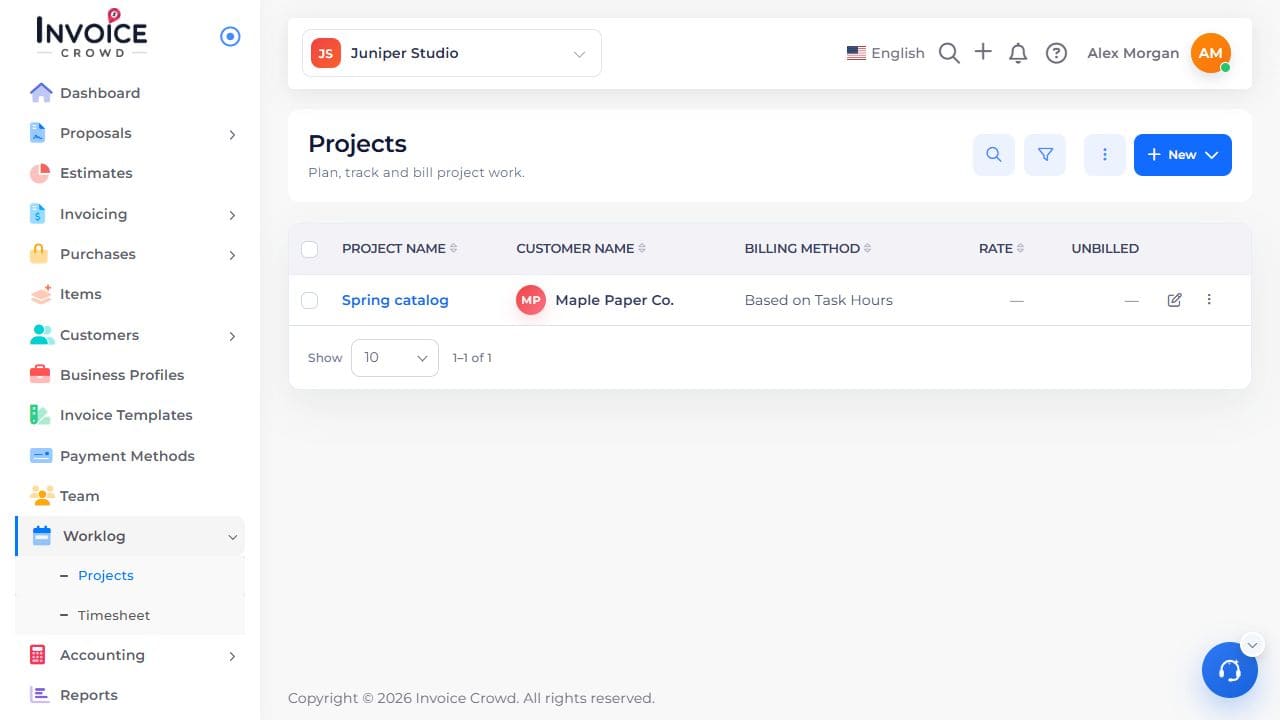
1. Open the project
Go to Worklog → Projects. Select the project name. Check the customer shown under the name.
2. Check project membership
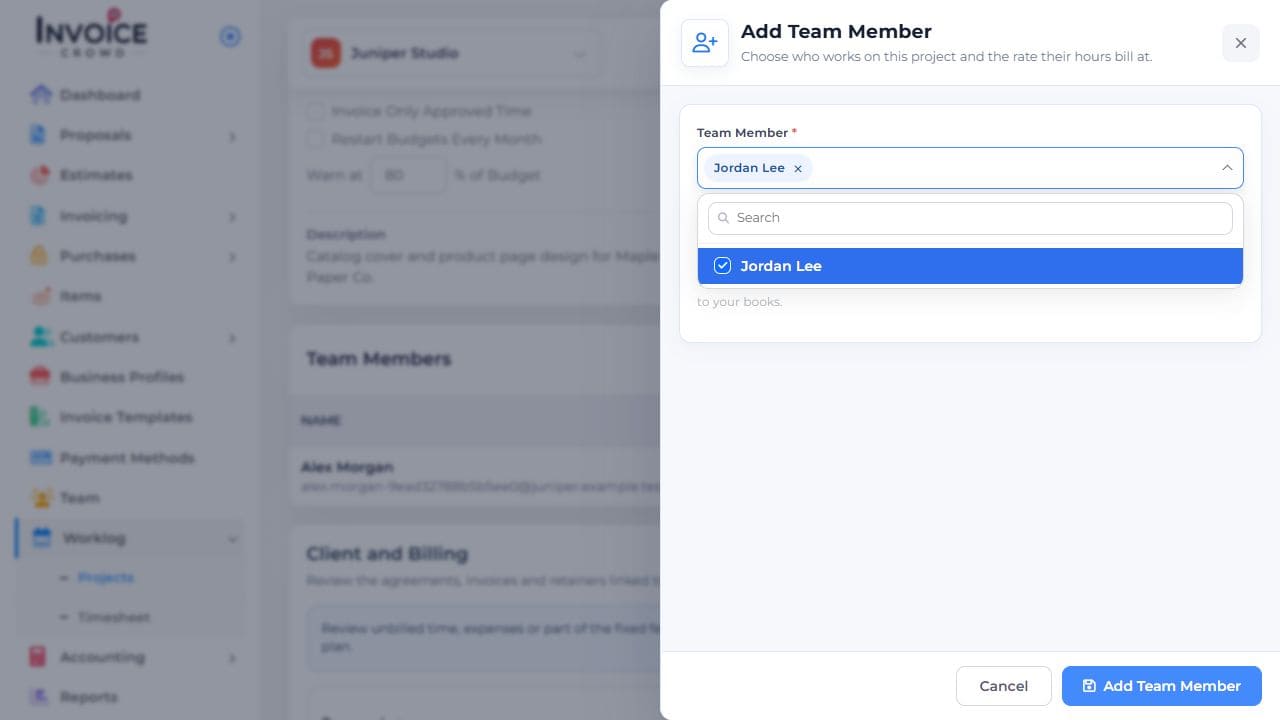
On Overview → Team Members, check that the person is listed. If needed, use Add Team Member to add them to this project.
3. Connect the work to the person
Choose Log Time. Select both the task and the team member, enter the work date and duration, then save.
4. Verify the entry
Open Timelogs and confirm the task and person on the saved entry. The task form itself has no assignee field.