
Choose the next invoice number without changing older invoices.
1. Open a new draft
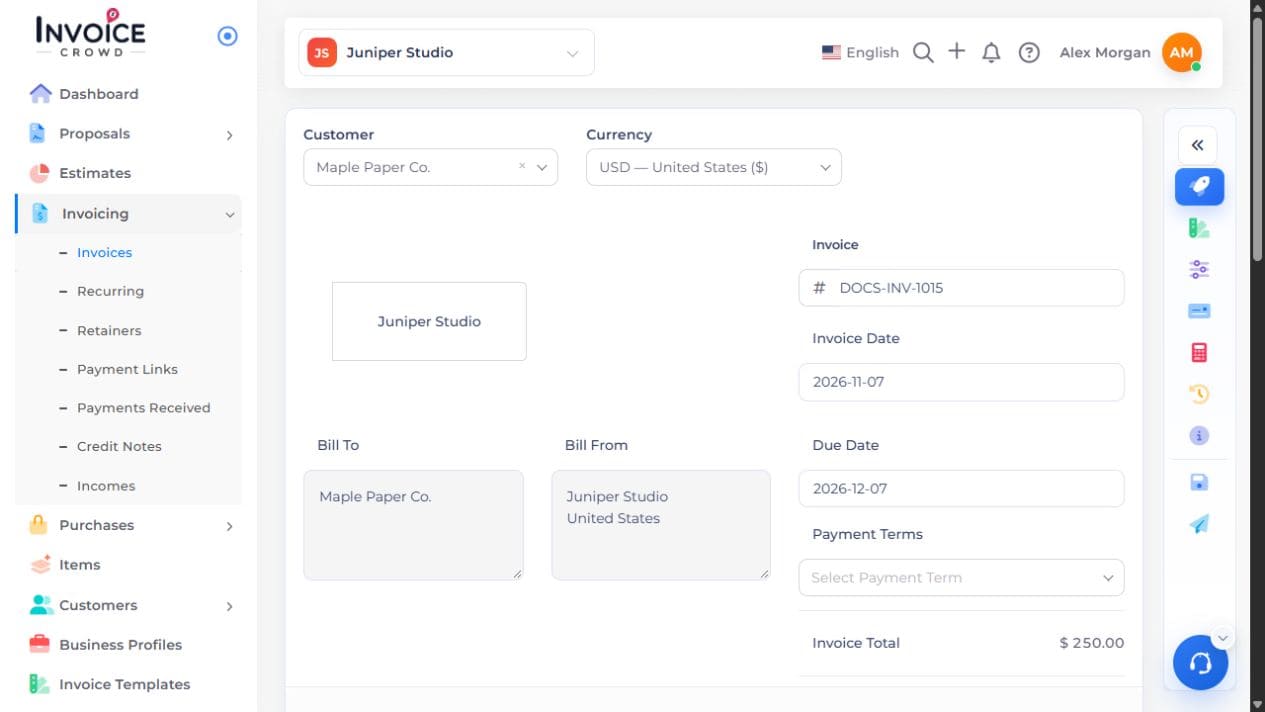
Go to Invoicing → Invoices → New Invoice. Locate the number beside the invoice title.
2. Enter an unused number
Use a prefix and digits, for example INV-0100. Check that the number has not already been used.
3. Save and confirm
Save that draft. Open the next new invoice and check the suggested number. After INV-0100, the next suggestion is normally INV-0101 if available. Leave previously issued invoices unchanged.