
Use a dropdown when the client should pick one answer from a longer list.
1. Place a dropdown
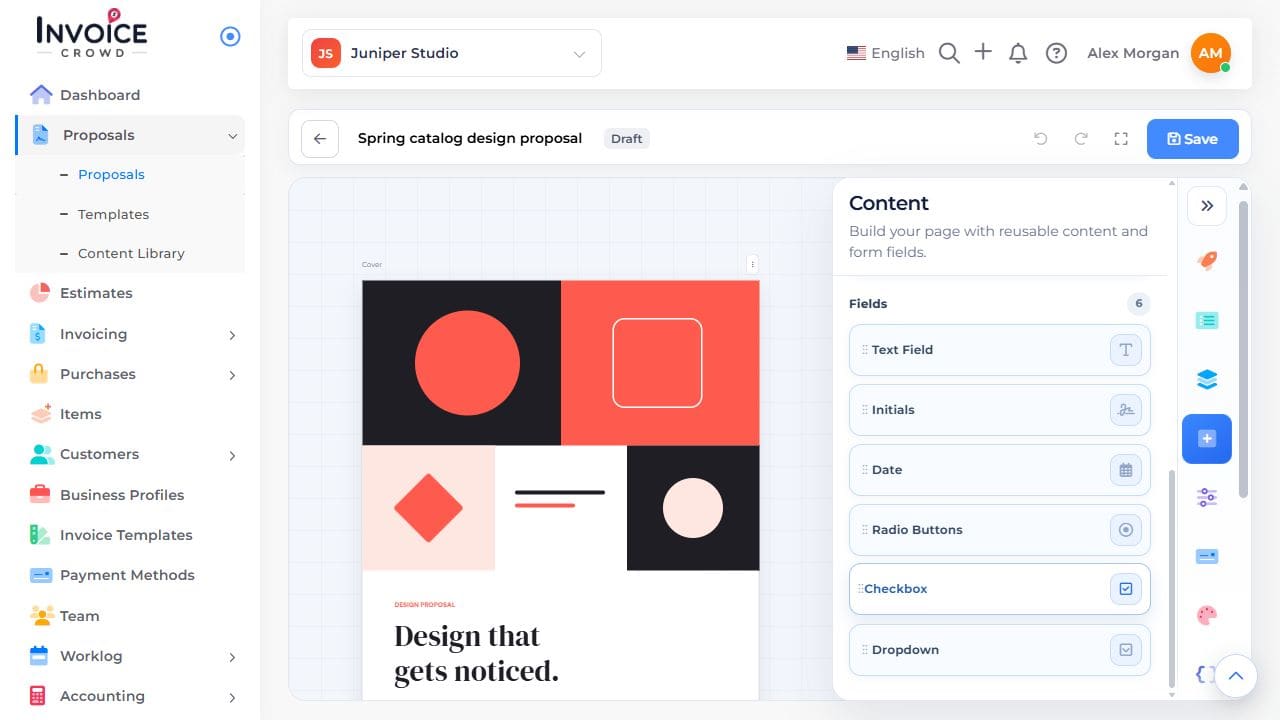
In the proposal editor, open Content → Fields → Dropdown and place the field on the page.
2. Add the question and answers
Open the field settings. Enter the question, such as “Preferred delivery window,” and one distinct answer per option. Mark it required only if the client must answer.
3. Test the list
Save and preview. Open the dropdown, choose an answer, then choose a different one. Check that only the last choice remains.