
Check the addresses and contact details printed on one document.
1. Open the invoice
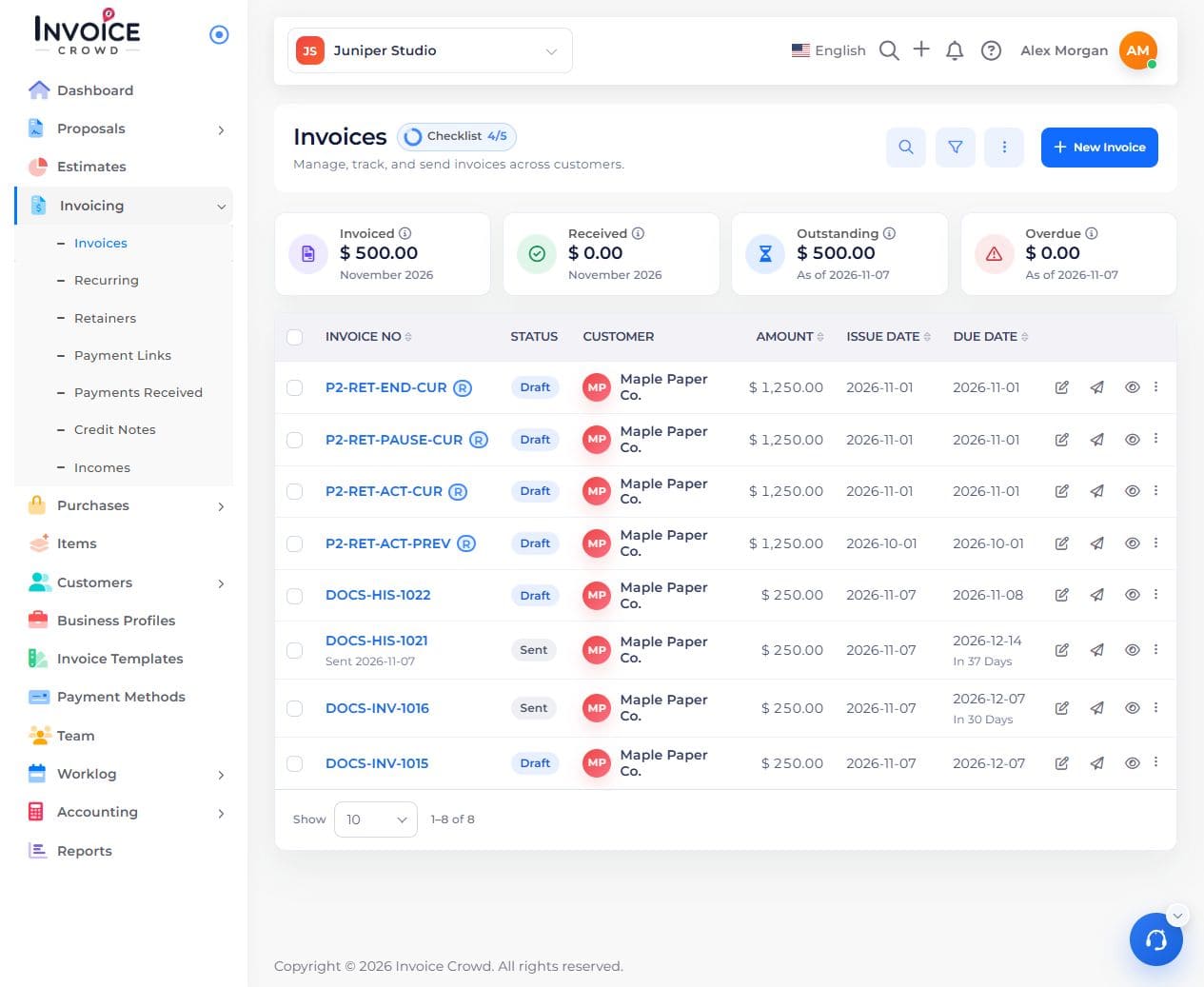
Go to Invoicing → Invoices. Open the invoice and confirm its customer and balance.
2. Review both address blocks
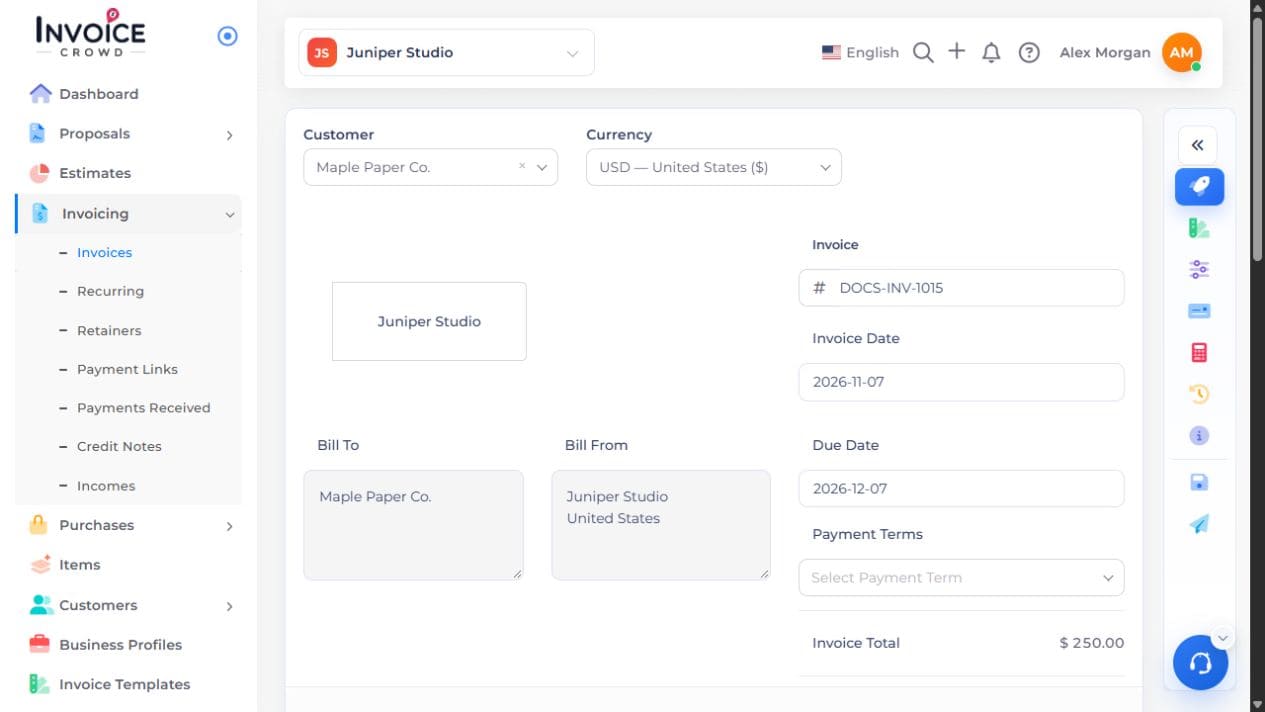
Find Bill To for the customer and Bill From for your business. Use the edit control beside the block you want to change.
3. Choose the details to show
Select or enter the correct address and contact details. If this should apply to future documents too, update the customer record or business profile separately.
4. Save and preview
Save the document and open Preview. Check each address appears under the correct heading.