
Use task hours to see work recorded so far and what remains unbilled.
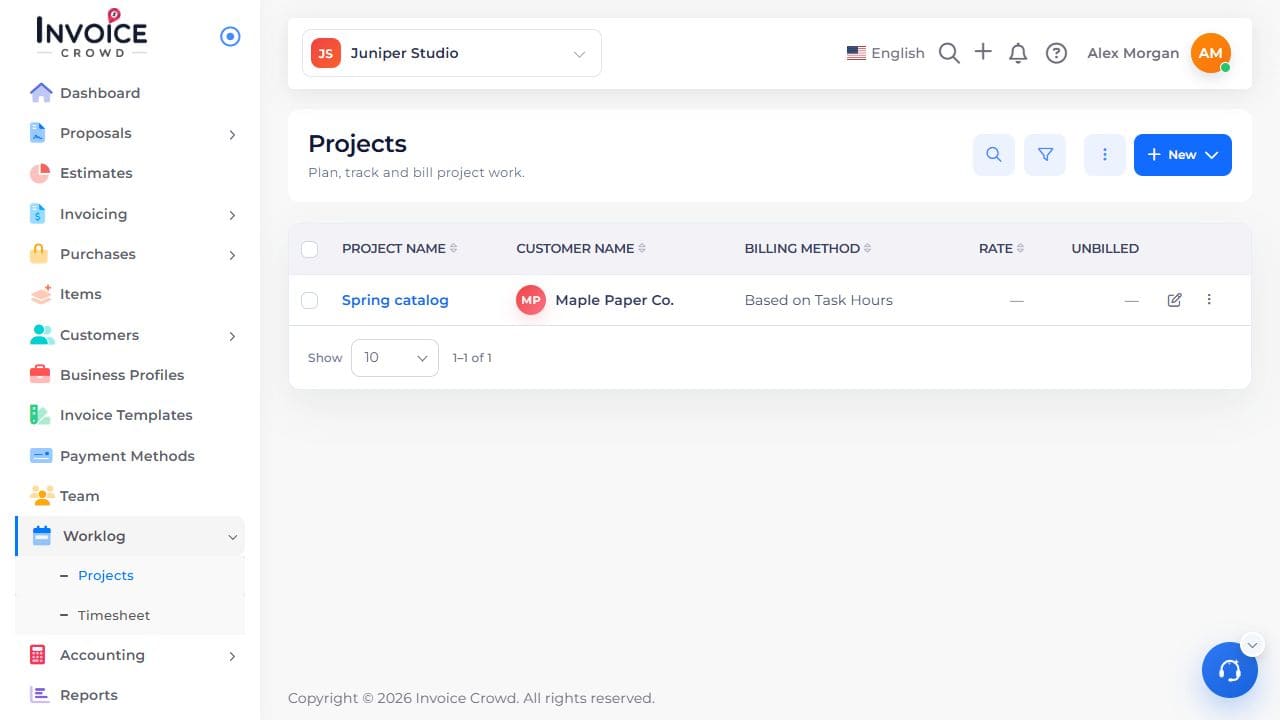
1. Open the project
Go to Worklog → Projects. Select the project name. Check the customer shown under the name.
2. Open Tasks
Choose Tasks in the project. Find the task by name.
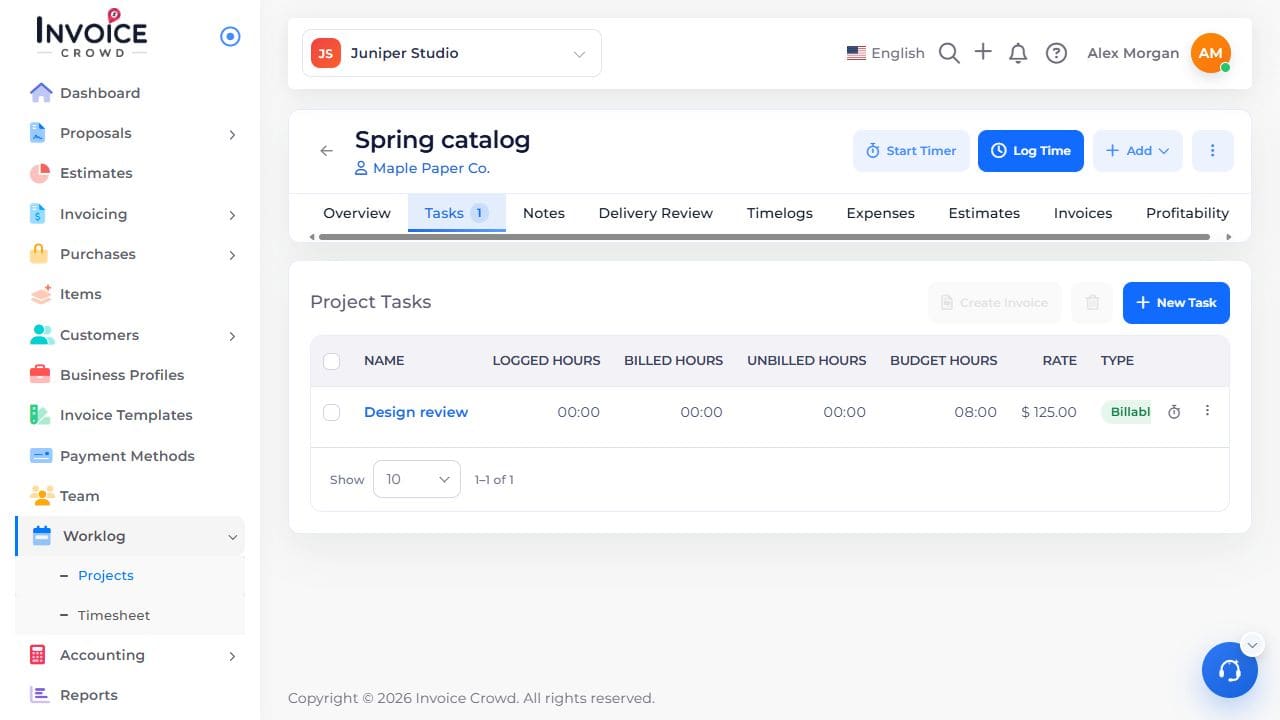
3. Compare task hours
Read Logged hours, Billed hours, and Unbilled hours. If the project budgets time per task, compare logged hours with Budget hours.
4. Check the work behind a total
Open Timelogs and review entries for that task. An inactive task is unavailable for new work; it is not a percentage-complete indicator.