
Let a client change selected items in a proposal before acceptance.
1. Open the pricing table
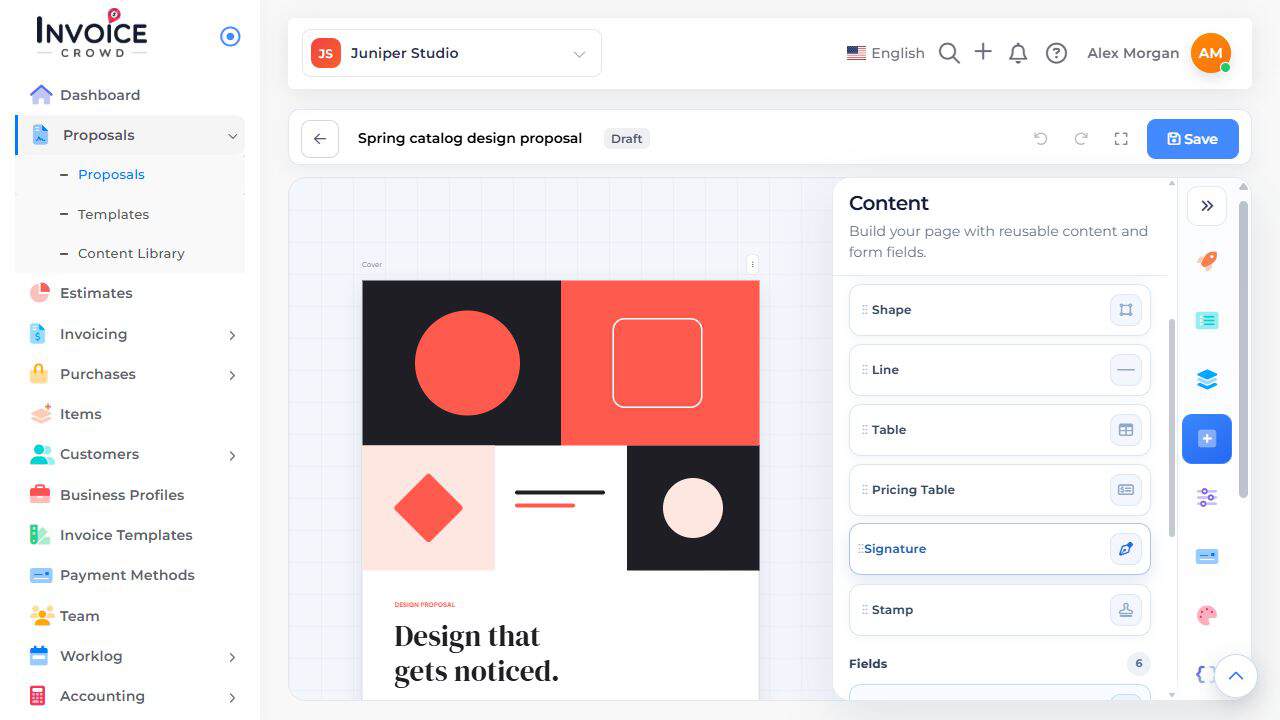
In an editable proposal, select the Pricing Table containing the item. If needed, add one from Content.
2. Allow the intended changes
Open the item or pricing table settings. Enable quantity changes or removal for the choices the client may change. Leave required services fixed.
3. Check the total
Save and preview. Change a permitted quantity or remove an optional item and compare the total. Confirm that required items remain.