
Change the wording your team sees when preparing a document email.
1. Choose the template
Open Business Profiles → Edit → Email Templates. Choose the document category and select the edit icon beside the email you want to change.
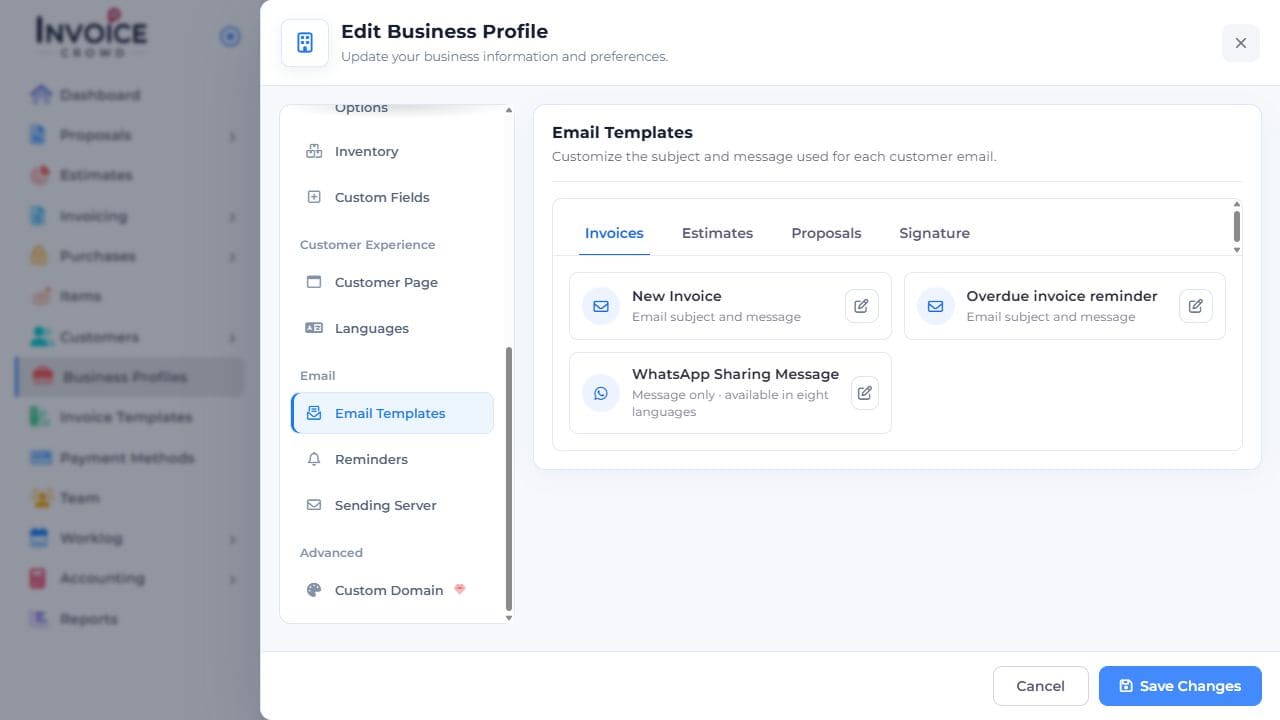
2. Edit the right language
Choose the language, then edit the subject and message. Keep the fields that insert the document link or approval code where the customer needs them.
3. Save and check
Select Save Template. Open a document email composer in the same language and check the subject, message, and inserted values before sending.