
Show a follow-up field only when the client’s answer makes it relevant.
1. Place the two fields
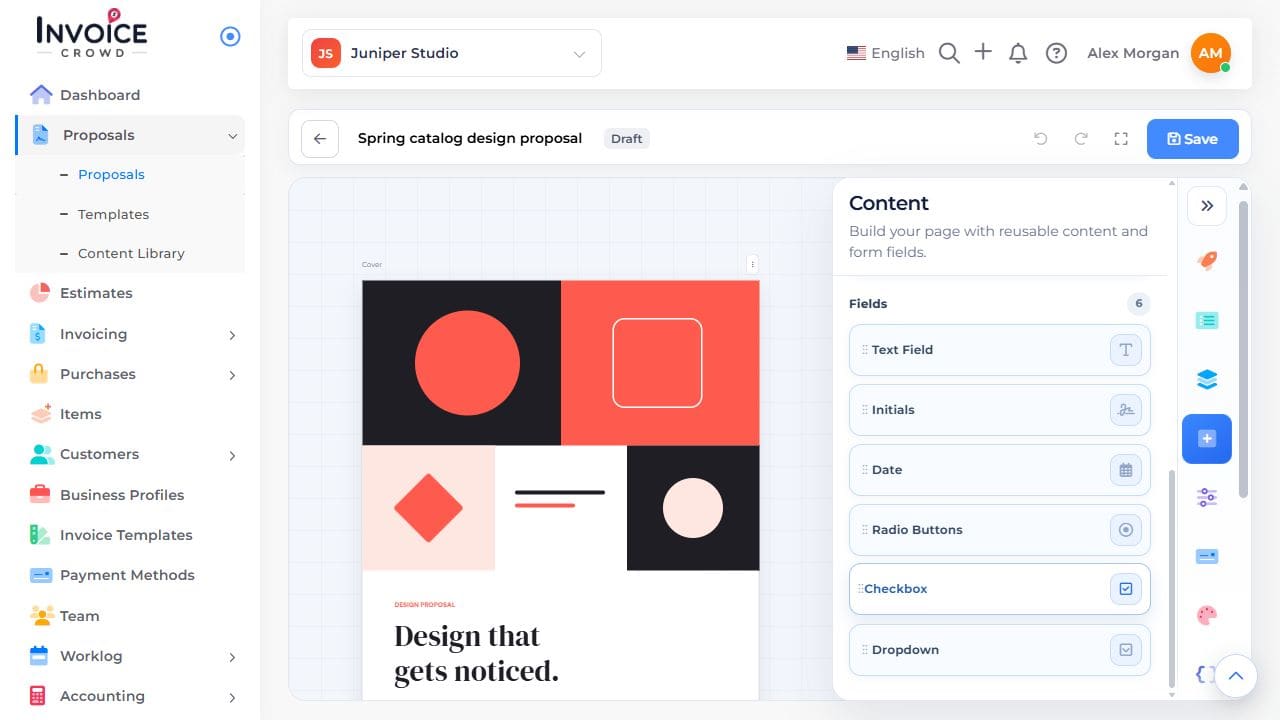
In an editable proposal, open Content → Fields. Add the checkbox, radio question, or dropdown that will trigger the rule. Add the follow-up field too.
2. Choose the trigger
Open the first field’s Conditional Rules. For a list of choices, select an answer under If Your Client Chooses. For a checkbox, use the checked condition.
3. Choose what appears
Select the follow-up field under Then Show These Fields. Save the proposal.
4. Try both answers
Preview it. Choose the triggering answer, then a different answer. Confirm the follow-up appears and disappears. This rule controls fields; it does not hide a whole page.