
Reuse an existing document while keeping the original sale or quote separate.
1. Choose the source
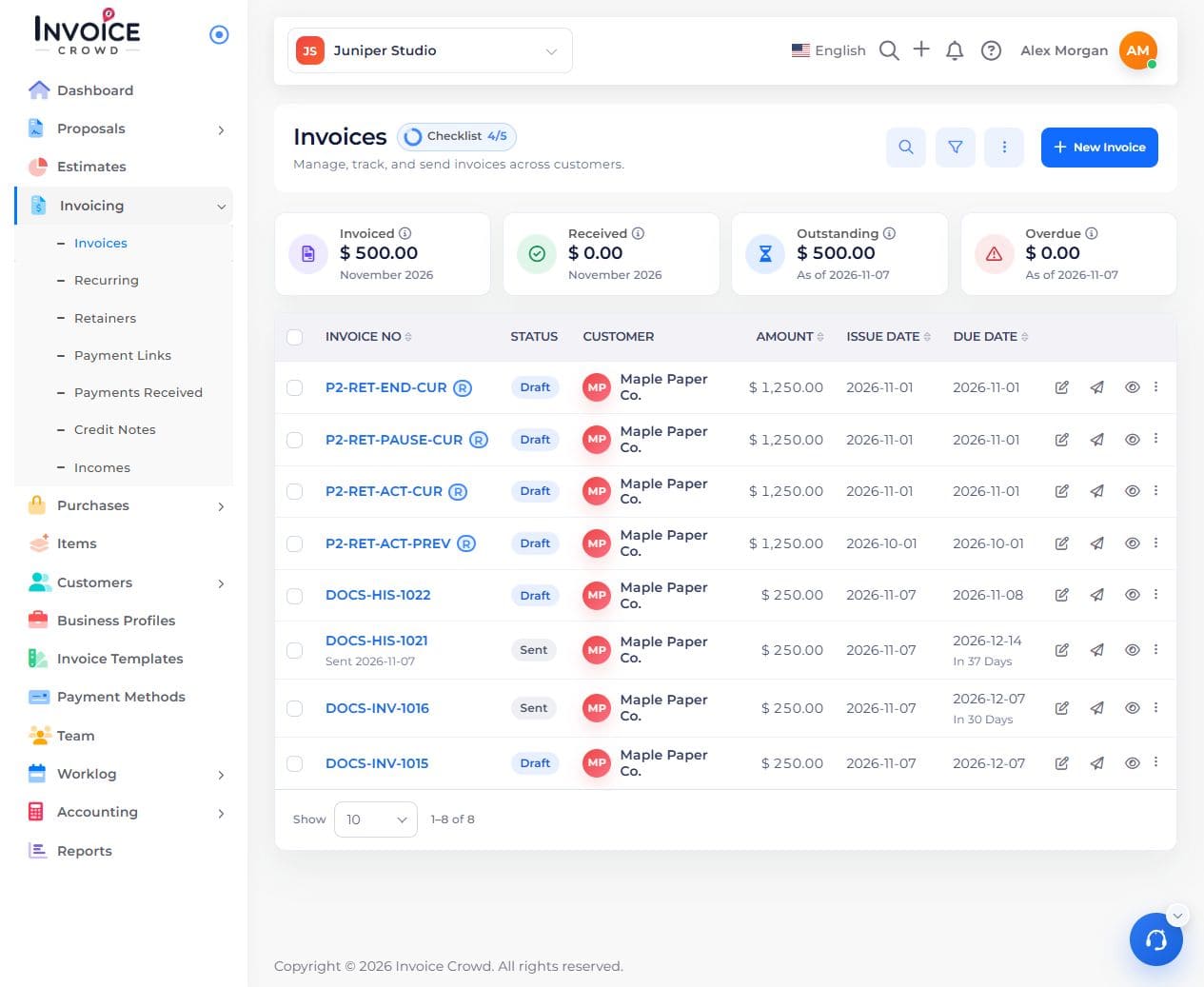
Open Invoicing → Invoices or Estimates. Find the record for the job you want to reuse.
2. Duplicate the document
Open its actions and choose Duplicate when available. Verify you are editing the new copy.
3. Update the new job
Check customer, document number, dates, items, prices, taxes, payment methods, and reminders. Do not assume the original’s reminder selections carried over.
4. Save and preview
Check the new draft and its total. The original remains separate.