
Set a consistent date format on new documents.
1. Open Currency and Formats
Open Business Profiles. Select Edit beside the business you want to change, then choose Currency and Formats.
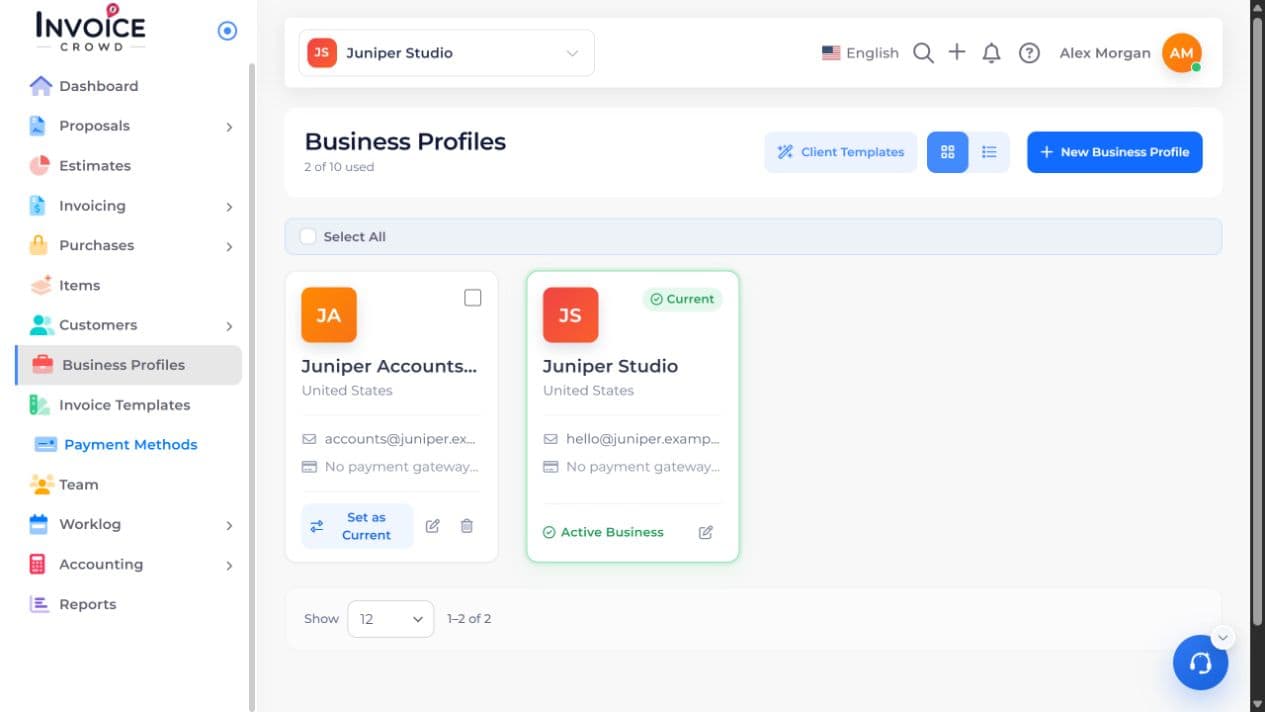
2. Date Format
Find Date Format and turn it on.
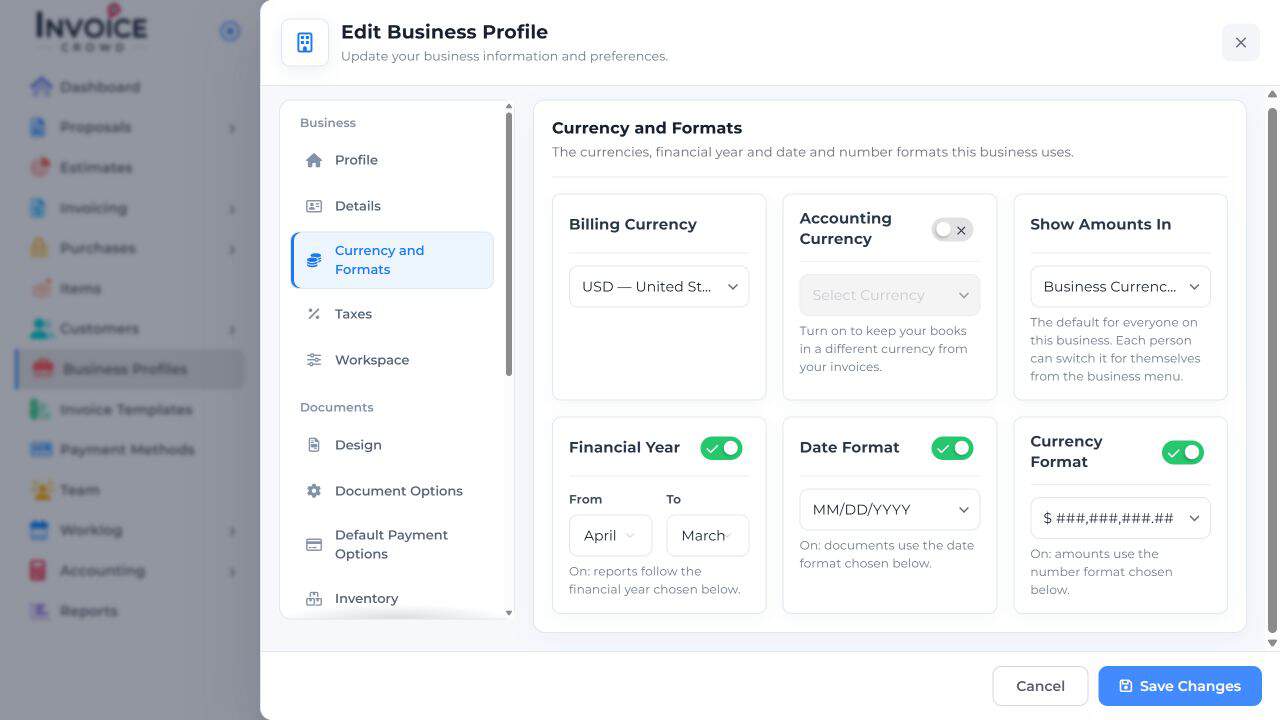
3. Set your preference
Choose the order you want for day, month, and year. Changing the display order does not change any invoice or due date.
4. Save Changes
Select Save Changes and preview a new document to check the result.